Before you proceed, ensure your operating system is up to date. It is highly recommended to backup all your data as reverting to a previous restore point clears all the changes or updates made.
Follow the instructions below to revert to the previous version of Windows.
- Click the “Start” button.
- Enter "restore" and select “Create a restore point”.

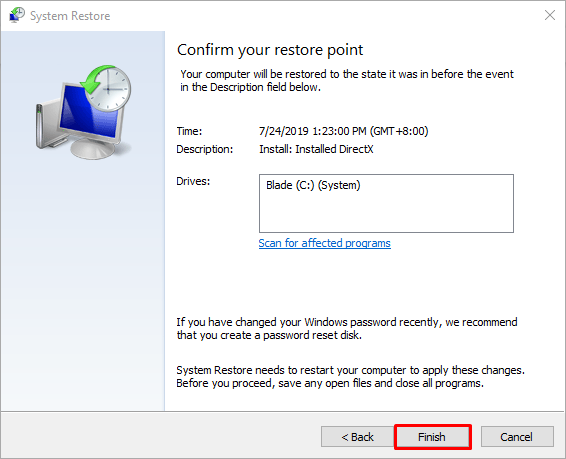
- Click “System Restore” under the “System Protection” tab. This opens the System Restore setup wizard that will guide you through the system restore process.

- Select the latest restore point, and then click “Next”.

- Click “Finish” once done. Your computer will automatically restart and proceed with the system restore process.
Note: This process can take a while. Do not power off your system while restoring is in progress.