Applicable model:
Firmware v1.03.00_r1
- https://rzr.to/1zim4t | May 29, 2026
- General bug fixes
Follow the detailed instructions below to run the updater on your device.
Step-by-step Process
-
If you are using a laptop, make sure it is plugged into a wall outlet.
-
Save all files and close all programs.
-
Download the latest firmware updater.
-
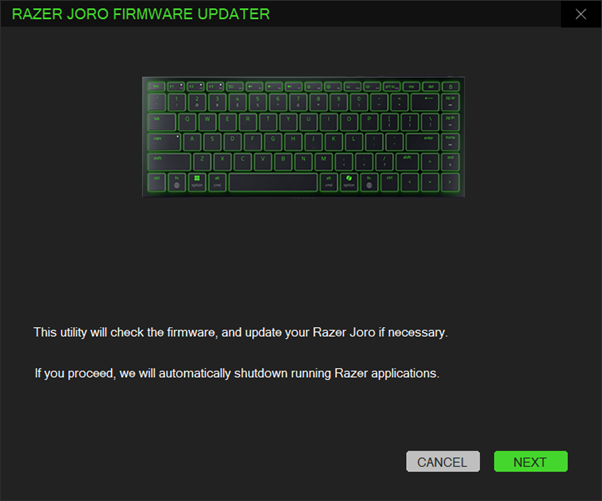
Run the downloaded firmware then click "NEXT" to proceed.
Note: Clicking “NEXT” will shut down all running Razer applications.
-
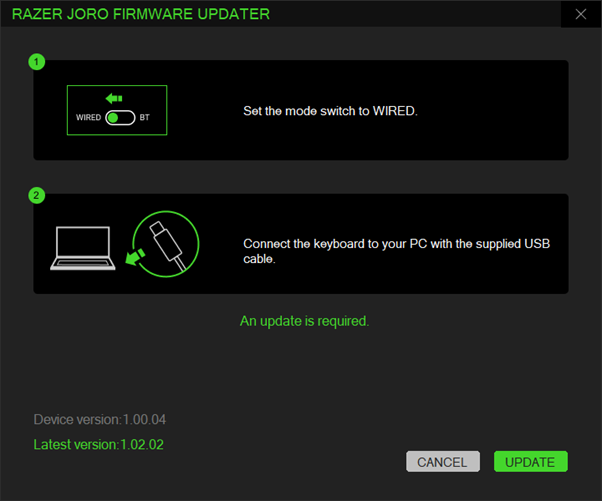
Set the switch mode to "WIRED" and connect the Razer Joro Portable Keyboard to your PC.
-
Click “UPDATE”.
-
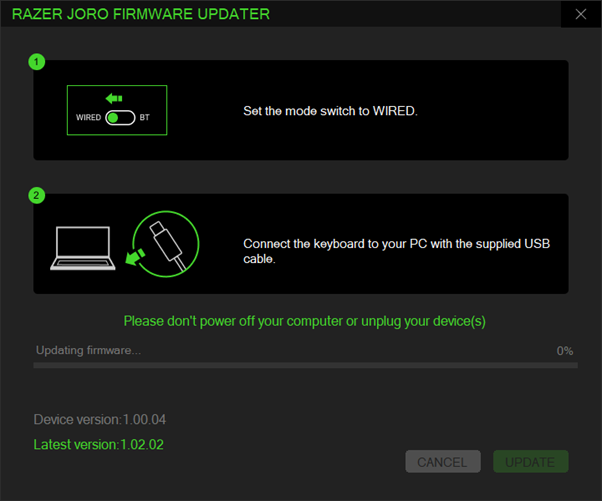
Wait for the update to complete.
-
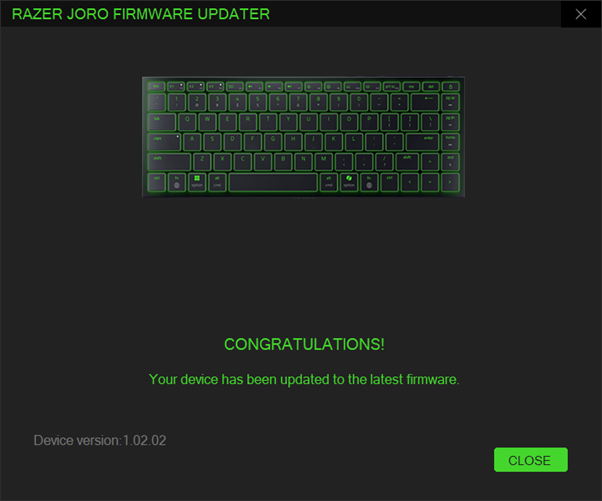
Once the firmware has been successfully updated, click "CLOSE" to exit the updater.