Note: Live support for Razer Sila is no longer available. Please refer to our knowledge base or Insider Forum for support.
Some ISPs require that you log in to their service using PPPoE (Point to Point Protocol over Ethernet). This can be done n the Razer Web UI by entering your username and password. Follow the steps below:
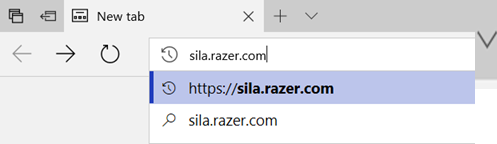
- Open a web browser and enter sila.razer.com or 192.168.8.1 on the address bar.
Note: Using the URL sila.razer.com is recommended as it offers better security.
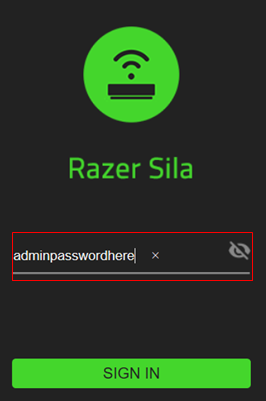
- Enter the admin password and click "SIGN IN".
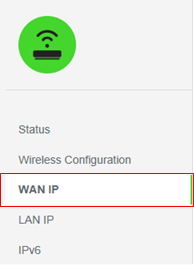
- Select "WAN IP" from the menu on the left.
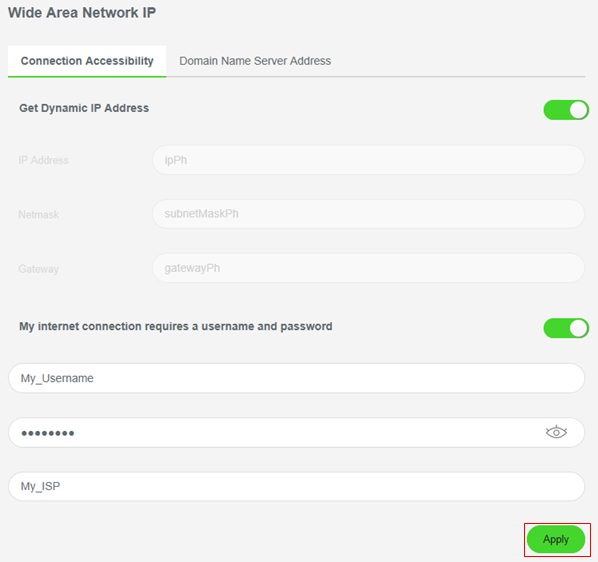
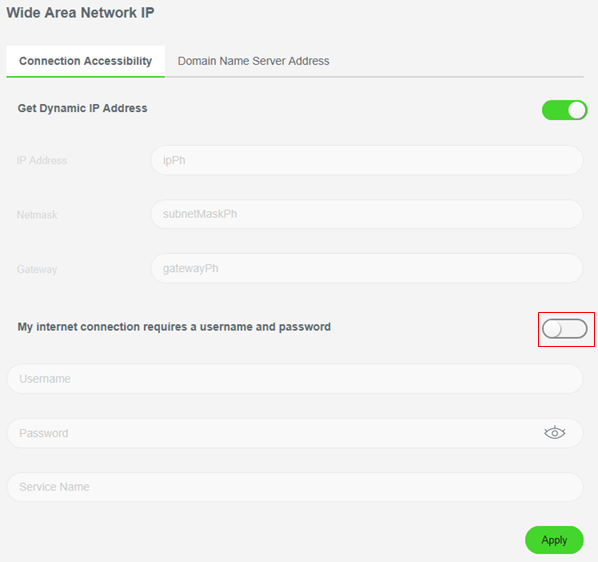
- Enable the "My internet connections requires a username and password" slide switch under the Connection Accessibility tab.
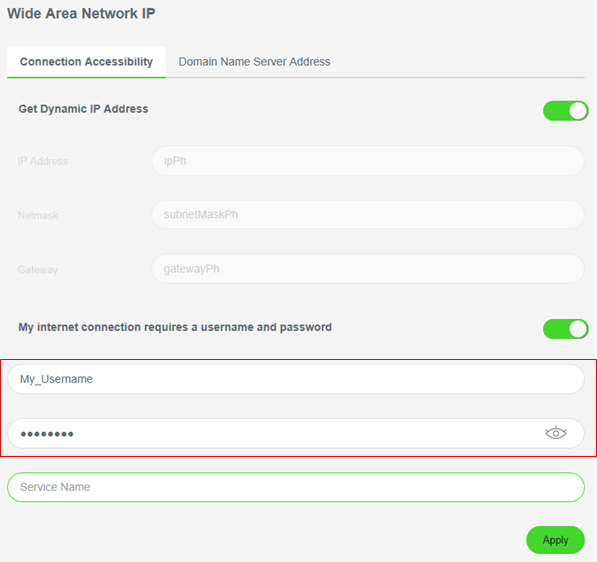
- Enter the username and password provided by your ISP.
- Enter the Service Name. This is for you to use and is not used to access your ISP's service.
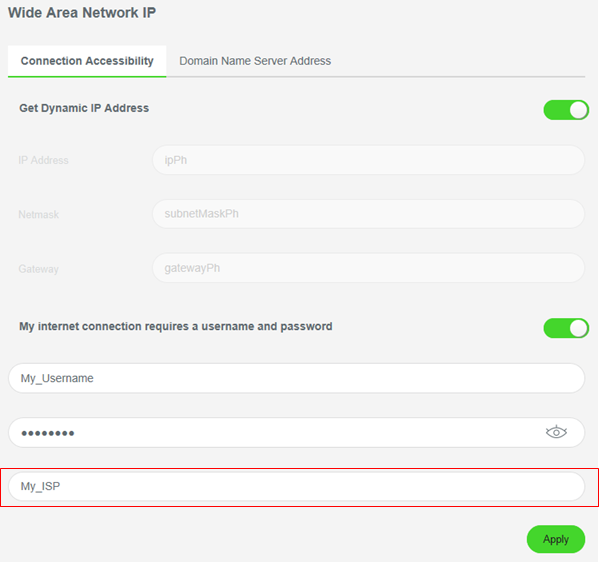
- Click on the "Apply" button.