
The Razer Joro Portable Keyboard is Razer’s most portable keyboard yet, designed for comfortable typing in any scenario. If you are experiencing Bluetooth issues, follow the step‑by‑step guide below to resolve them.
With Razer Synapse 4
- Open Razer Synapse 4.
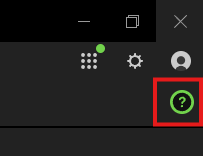
- Click the “Help” icon on the top-right corner of the Razer Synapse window.
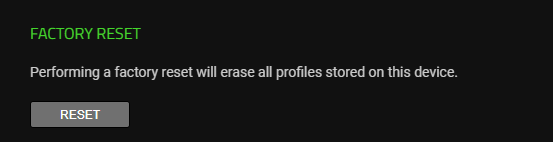
- Click “RESET” on the “FACTORY RESET” page.
Without Razer Synapse 4
- Turn off the keyboard.
- Press and hold Left Ctrl + Esc.
- Turn the keyboard back on and test the connection.

