Note: Live support for Razer Sila is no longer available. Please refer to our knowledge base or Insider Forum for support.
A Demilitarized Zone (DMZ) allows a device to be completely visible to anyone on the internet. A device in a DMZ will open all of its ports to internet queries and pings and not be protected by the router's firewall.
The Razer Sila has the capability to assign a device to the DMZ by using the admin menu via a web browser. To do this, follow the steps below:
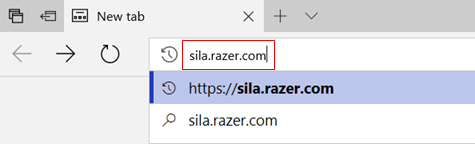
- Access the admin menu by directing your browser to sila.razer.com.
- Enter your admin password.

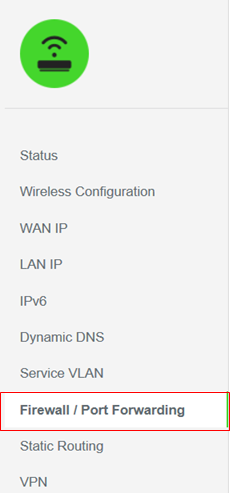
- Select "Firewall / Port Forwarding" from the menu on the left.
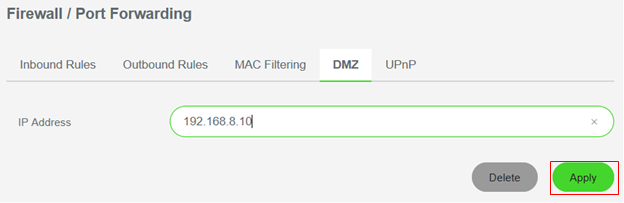
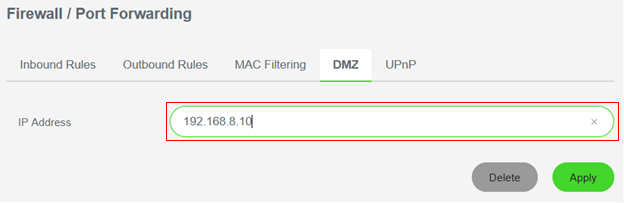
- Select the "DMZ" tab.

- Enter the IP Address of the device to be placed in the DMZ.
- Click "Apply" to save all the changes you made.