
Ensure your gaming PC’s graphics card is configured to output 60 FPS. See How to configure your graphics card to output 60 FPS / 60 Hz for detailed instructions.
If the issue persists, follow the steps outlined below.
-
Download the RipsawHDSystemOptimizationTool.
-
Extract the downloaded ZIP file.
-
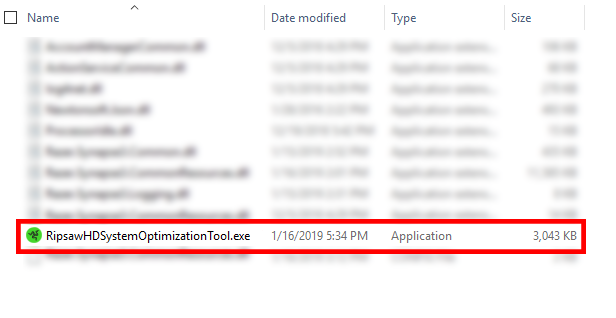
Run the “RipsawHDSystemOptimizationTool.exe” file.
Important: Run the tool on the PC where OBS or similar streaming software is installed.
-
Toggle “CPU Booster” on.


