Applicable Models
Firmware v1.02.00_r1
- Mat Firmware Updater: https://rzr.to/s8n6S
- Mouse Firmware Updater: https://rzr.to/R398t
- Bug fixes: Mouse Mat not lighting up
STEP-BY STEP-PROCESS
Please note the two steps, you will need to update both the Firefly Mat and the Mamba Mouse.
Step 1: Updating the mat
-
Download the latest firmware update by opening the link found above.
-
Close Razer Synapse and all other running applications before proceeding with the update.
-
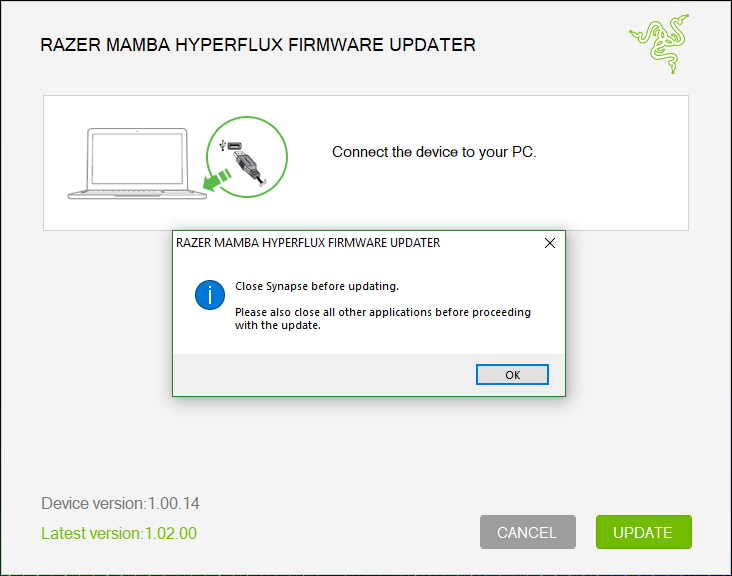
Run the downloaded firmware (The installer will prompt you to close Synapse and all other applications, if you have already done so, click "OK" to proceed).
-
Connect the Hyperflux Firefly Mat to your PC using the USB to Micro USB cable.
-
Click "UPDATE" to begin.
-
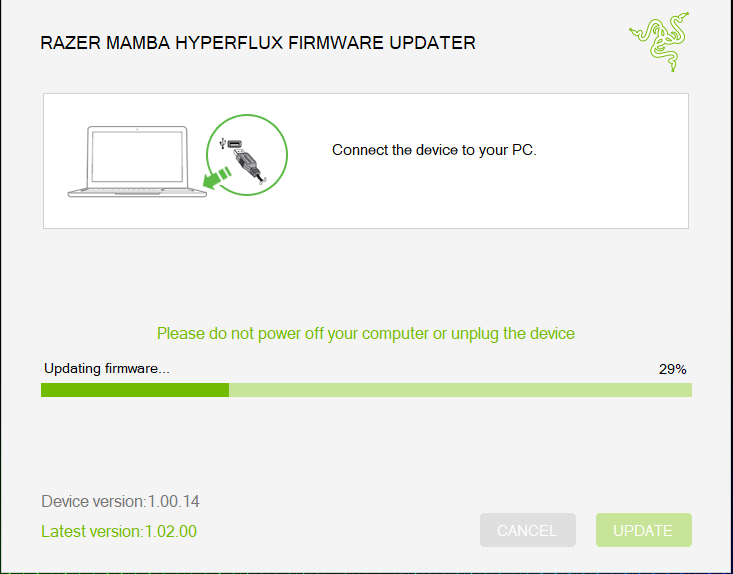
Wait for the update to complete.
-
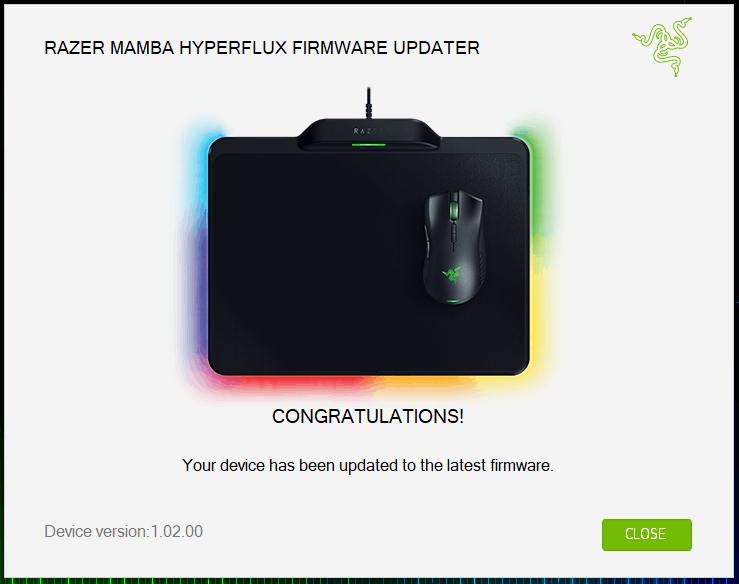
Once the firmware has been successfully applied, Click "CLOSE" to exit the installer.

Step 2: Updating the mouse
-
Download the latest mouse firmware update by opening the link found above.
-
Close Razer Synapse and all other running applications before proceeding with the update.
-
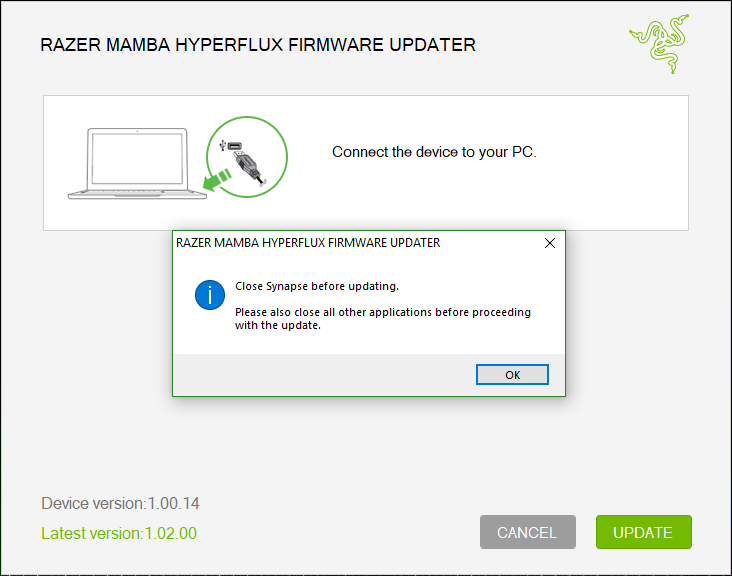
Run the downloaded firmware (The installer will prompt you to close Synapse and all other applications, if you have already done so, click "OK" to proceed).
-
Connect the Hyperflux Mamba Mice to your PC using the USB to Micro USB cable.
-
Click "UPDATE" to begin.
-
Wait for the update to complete.
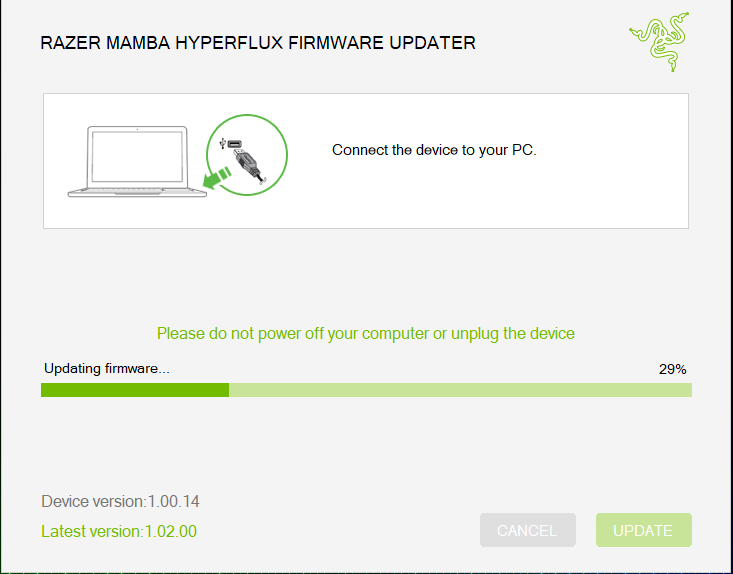
-
Once the firmware has been successfully applied, click "CLOSE" to exit the installer.