
Step-by-step process
- Select the “PERFORMANCE” tab under the “SYSTEM” module.

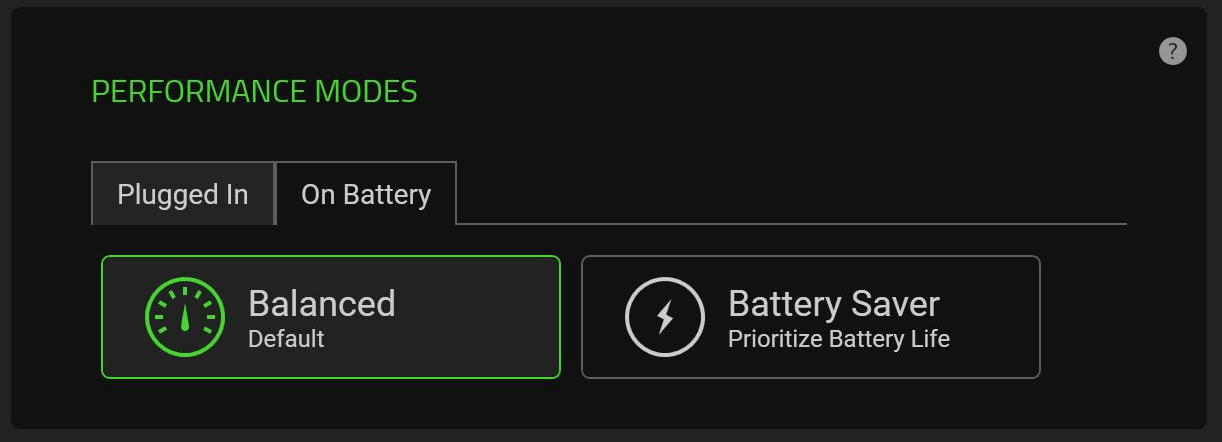
- Select the performance mode you prefer from the “PERFORMANCE MODES” panel.
-
Balanced – The default mode and sets the balance between battery consumption and gaming graphics.
-
Battery Saver – Focuses on saving maximizing the consumption of battery power.
-

