
An issue has been reported about the Razer Blade Pro 17” (2019) | RZ09-0314x displaying a blank or black screen even when the lighting on the keyboard is turned on. This happens in the scenarios described below:
Scenario 1: After selecting "Dedicated GPU only" > Performance > GPU Mode in Razer Synapse, my laptop screen went blank after restart.
Scenario 2: My laptop screen went blank after I tried to wake it up from sleep.
Note: Razer is aware of this, and we are currently working towards a resolution. In the meantime, rollback your device driver to version 431.70 or to an earlier version as a workaround.
Follow these steps to roll back to the previous driver version:
IMPORTANT: You will need an external monitor or switch to "NVIDIA Optimus" mode in the BIOS after you hit the blank screen issue. Otherwise, you cannot continue with any of the troubleshooting steps below.
1. Open "Device Manager".

2. Expand "Display adapters".

3. Double-click on your NVIDIA GPU adapter.

4. Select the "Driver" tab.
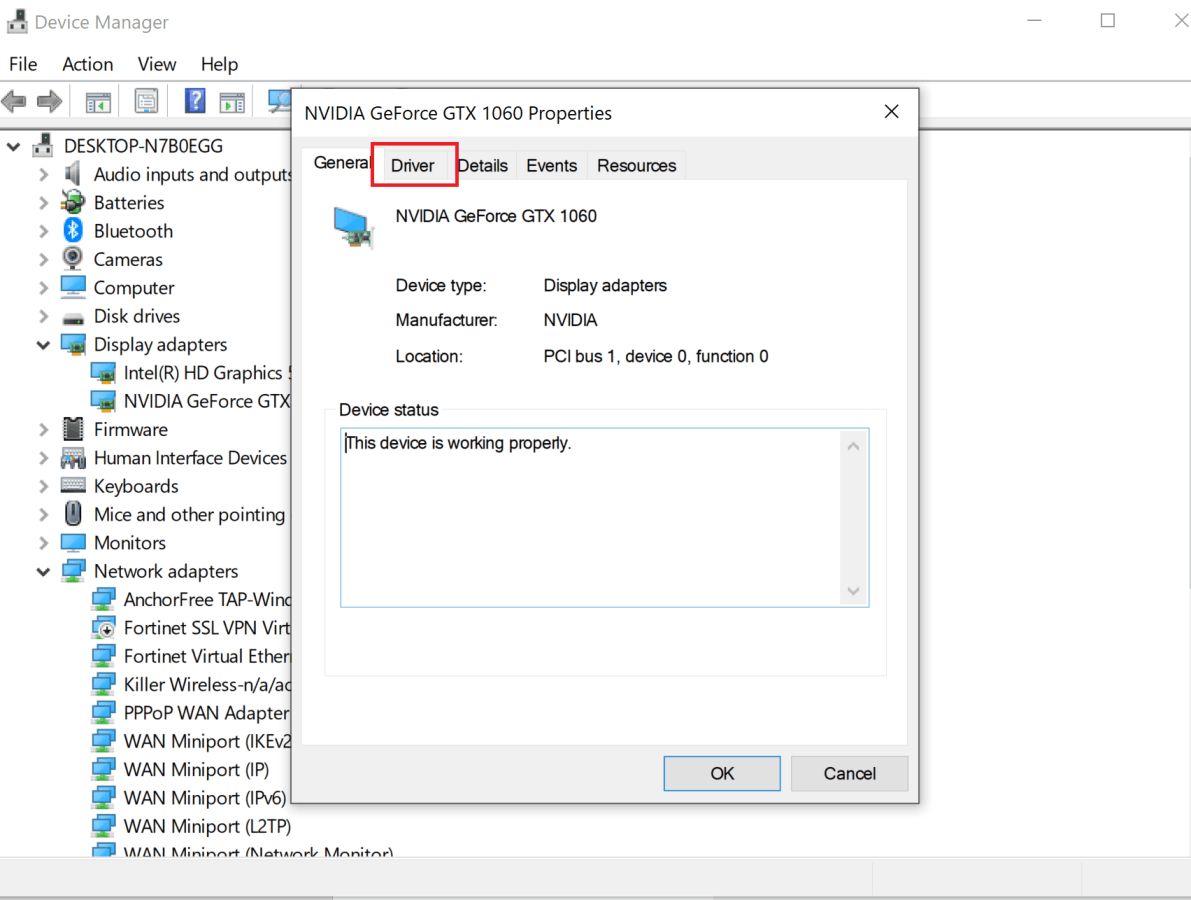
5. Click on "Roll Back Driver".

Note: If the "Roll Back Driver" button is grayed out, restart your PC and press F9 while booting up to do a system recovery.
6. Click "OK" to complete the process.


