Please be advised that the Razer Kishi V1 has been added to the Razer Nexus app. The Razer Kishi app will be discontinued from the Google Play Store effective January 15, 2025. However, users may continue to access and download the application via the following link: https://rzr.to/xc0cv9. Please note that this APK file is identical to the version previously available on the Google Play Store and will not impact user experience.
-
Ensure the game or program supports Android HID (Android version) or MFi (iPhone version). If not, contact the game developer and request for standard Android or MFi controller support.
-
Test the controller in another game or program to rule out potential app-specific issues.
To know which games support the Razer Kishi, do the following:
Android
-
Download and install the Razer Kishi mobile or Razer Nexus app.
-
Launch the app.
-
Navigate to “Discovery” to find featured games with controller support.

iPhone
-
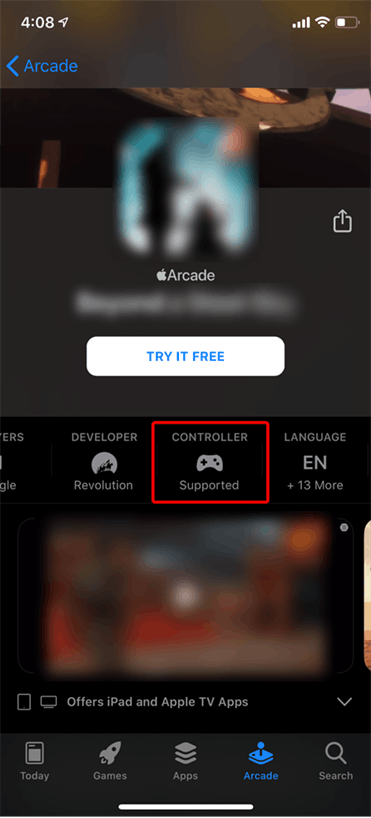
Launch the App Store.
-
Navigate to “Arcade”. Games with controller support will have the “Controller Supported” badge.