
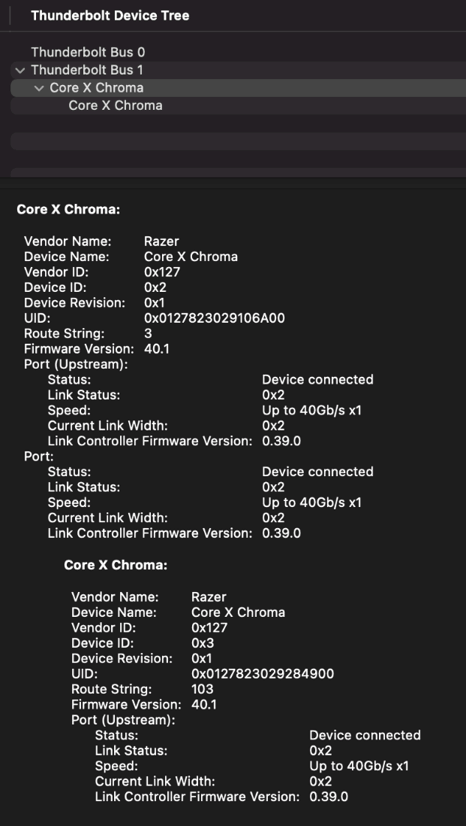
This article provides instructions on how to view the Thunderbolt Device Tree and Video Card information from a MacBook Pro with macOS Big Sur when connected to a Core X Chroma with a Radeon RX 5700 XT installed.
1. To view the Thunderbolt Device Tree, click the search icon and enter “System Information”.
2. Under "Hardware", click “Thunderbolt”.
The following Thunderbolt Bus should appear:
Thunderbolt Bus 0

Thunderbolt Bus 1


Core X Chroma

3. To view the Video Card, click “Graphics/Displays”.
4. Click Radeon RX 5700 XT to display the video card information.
Radeon RX 5700 XT


