
Applicable Model:
Firmware v1.01.00_r1
- https://rzr.to/9Smnw | November 28, 2019
- Fixed an issue where the LED flickers intermittently when used with Synapse.
Follow the detailed instructions below to run the updater on your device.
Step-by-step Process
-
Make sure the laptop is plugged into a wall outlet and not just running on battery before proceeding.
-
Save any open documents on your computer and close all other programs before attempting the update.
-
Download the latest firmware updater.
-
Run the updater as shown below:

-
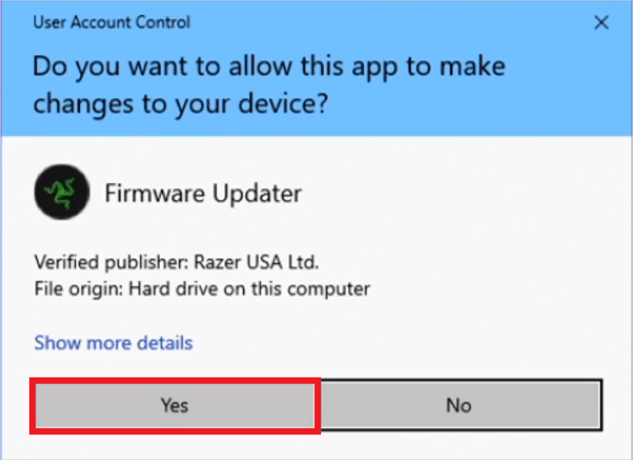
You may be prompted to confirm changes on your device by the User Account Control. Click "Yes" to confirm these changes.
-
Click "NEXT" to proceed. The installer will close all running Razer applications if you have not done so yet.

-
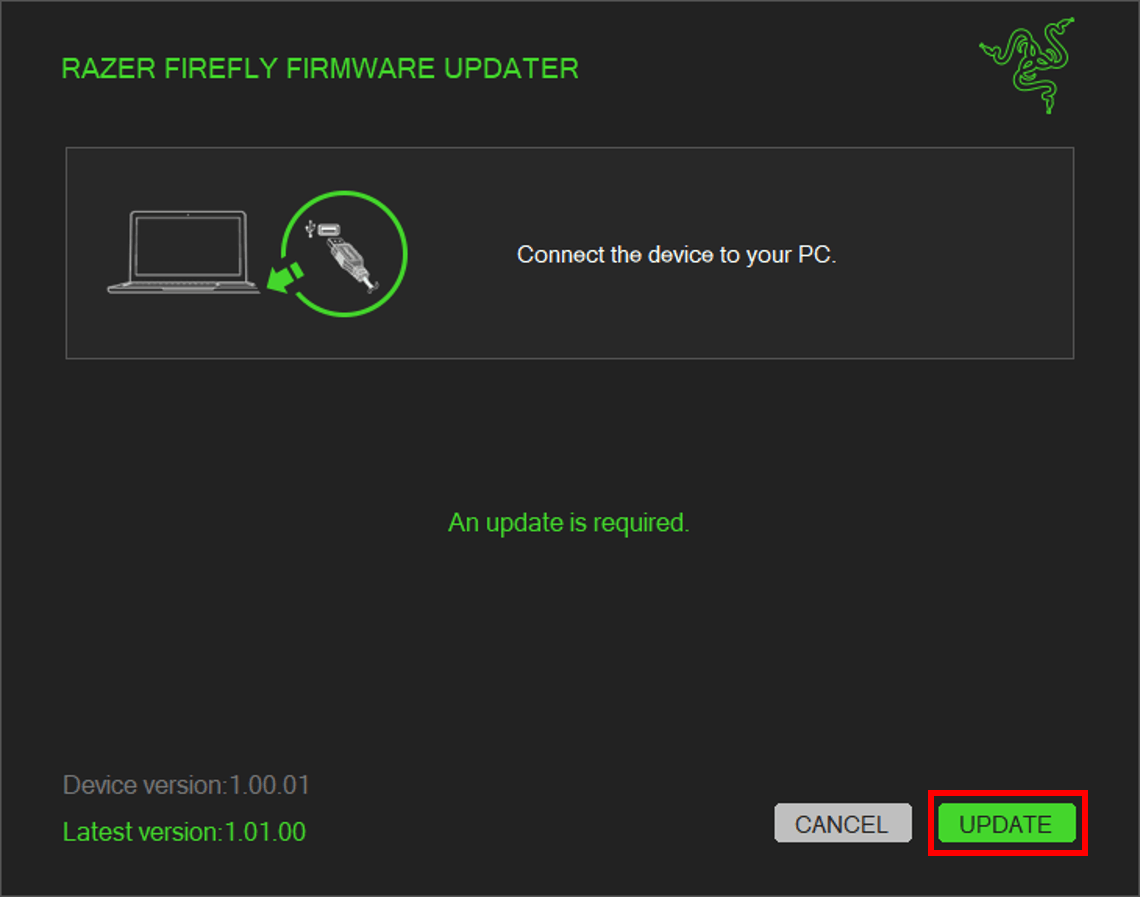
Connect the device to the computer and click "UPDATE".
-
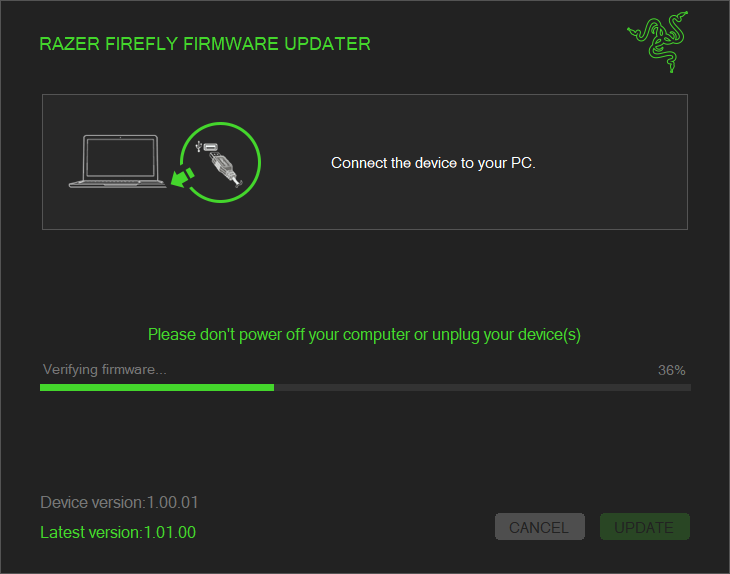
Wait until the update process is complete. Do not interrupt.
-
When the installation is complete, click "CLOSE".


