
It is important to update the ethernet driver of your Razer Thunderbolt™ 4 Dock Chroma to fix or avoid wake on LAN issues.
Note: The 11th Gen intel CPU does not support wake on LAN (Modem standby).
The following are the steps on how to update the ethernet driver:
-
Download the driver file and unzip it.
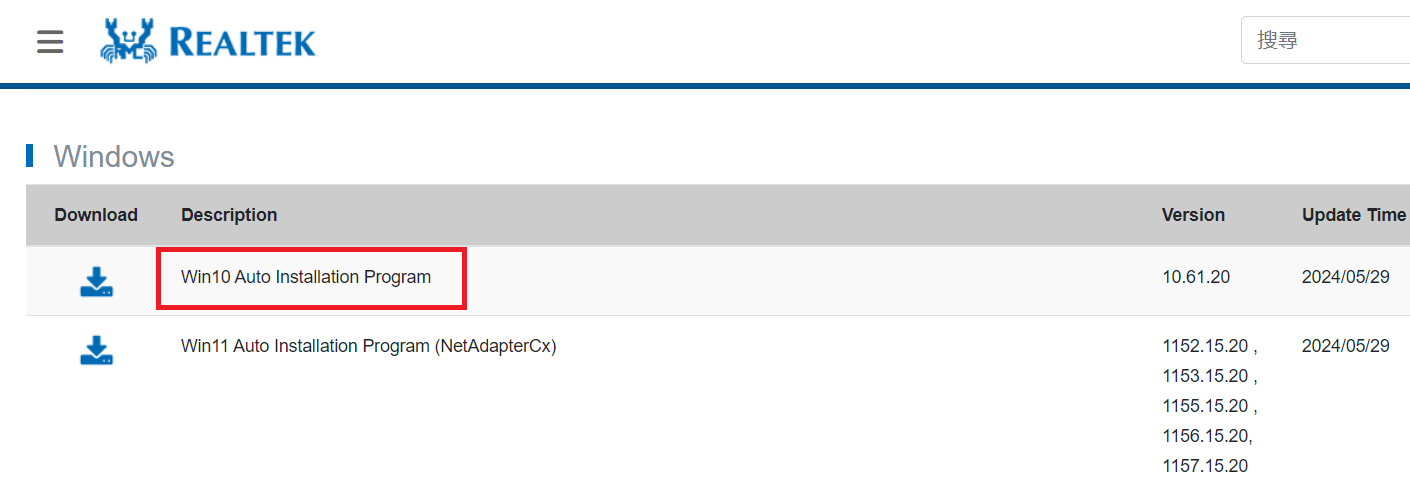
-
Connect the laptop to the Dock and ethernet port.
-
Install the Driver. Run the file and follow the instructions.

