
Mount your Razer Raptor 27 QHD-165 Hz to the wall or to an articulating arm for maximum convenience by using the VESA Mount Adapter.
You can view the video below for instructions.
Step-by-step process:
-
Unplug the cables that connect your computer to your monitor.
-
Gently push the monitor upward until it is on its maximum height.


-
With the screen facing you, hold the monitor by both sides firmly.

-
Tilt the monitor forward slowly until it reaches the maximum angle shown below.

Note: Do not force the screen to tilt 90-degrees when it is at the lowest point. Doing so may cause serious damage to the external parts of the monitor and void its warranty.
-
Unplug the cable connecting the monitor to its stand and tilt the monitor back to its original angle. Keep the height at its maximum level.
-
Place your monitor face down on a clean, flat, stable surface.

-
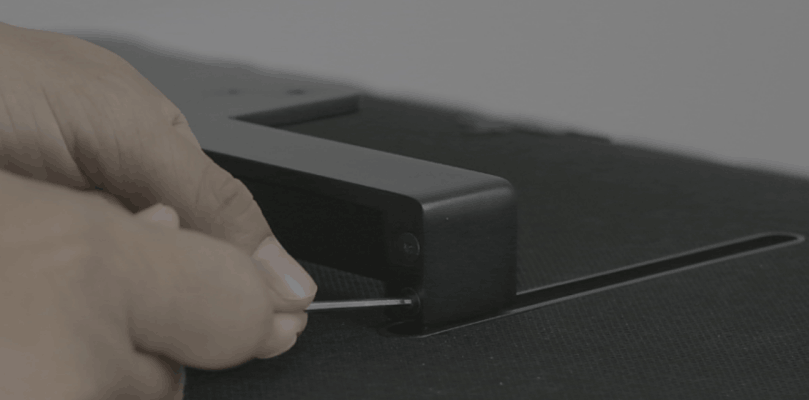
Remove the two hex screws from each side of the stand using the provided hex key.

-
Remove the stand from the monitor.

-
Attach the VESA adapter.

-
Replace the four provided hex screws, two on each side of the adapter.

The VESA Mounting Adapter is now installed on your Razer Raptor 27 QHD-165 Hz and ready to be mounted.
-
Attach your Razer Raptor 27 QHD-165 Hz to the wall or to an articulating arm by inserting the four thumb screws through the holes. Fasten it firmly.


