
Applicable models:
Intel WLAN Driver (UHD-T) 21.10.0.5
- https://rzr.to/PpvXC | July 9, 2019
Step-by-step Process
Before you start
-
Plug the Razer Blade into a wall outlet. Do not let the Razer Blade run on battery alone before proceeding.
-
Save any open documents on your computer.
-
Close all other programs.
-
Download the latest driver.
Update process
-
Run the "Autorun.exe" file.

-
Click "Yes" if the User Account Control window pops up to proceed.
-
Tick "I have reviewed and agree to the End User License Agreement (EULA)".
-
Click "Install".

-
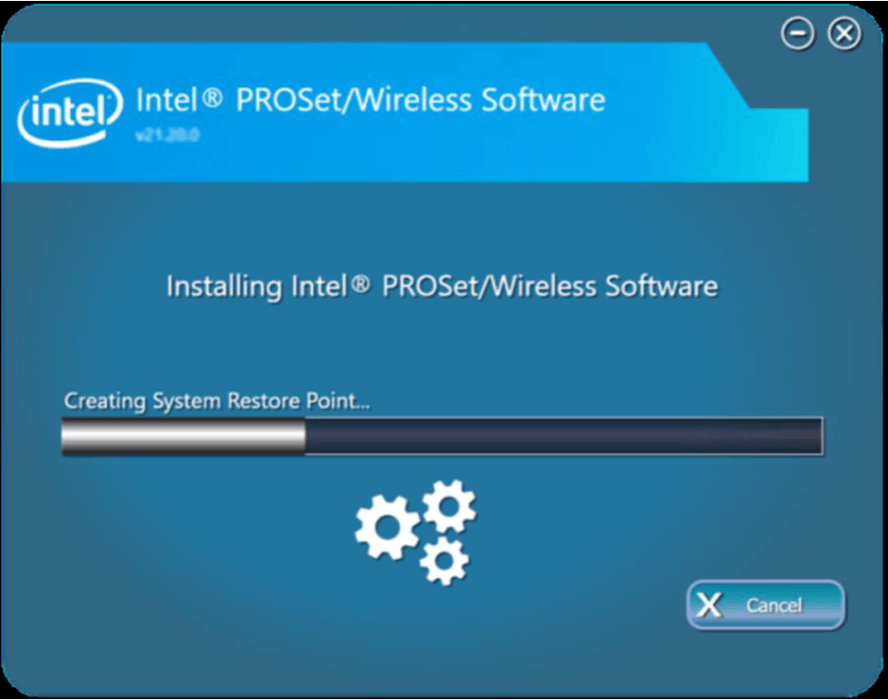
Wait for the installation process to complete.
-
Click "Finish" once the installation process is complete.
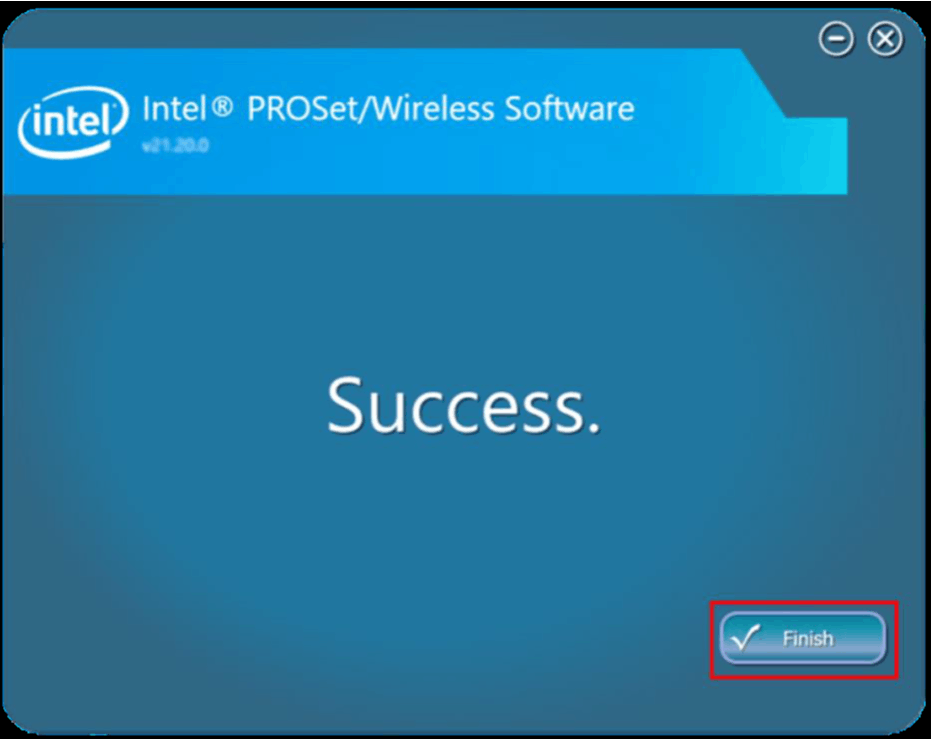
The Intel Wireless-AX 200 WLAN Driver on your Razer Blade is now updated.

