
Applicable Product:
Intel ME Driver (UHD-T) 1904.12.0.1208
- https://rzr.to/pcJBV | July 9, 2019
Follow the detailed instructions below to run the updater on your device.
Step-by-step Process
Plug the Razer Blade into a wall outlet. Do not let the Razer Blade run on battery alone before proceeding.
Save any open documents on your computer.
Close all other programs.
Download the latest driver.
Run the "SetupME.exe" file.

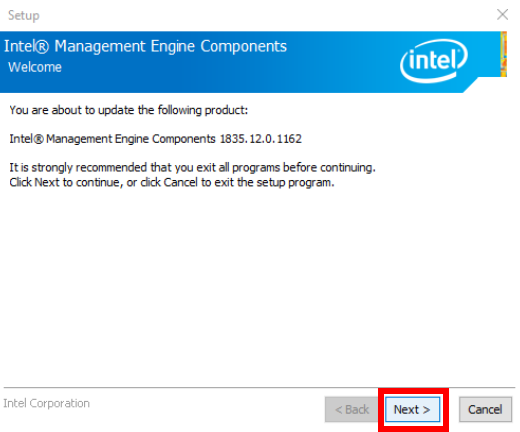
Exit all other programs before proceeding then click "Next".
Read and accept the agreement then click "Next".
Wait for the installation process to complete.
Click "Finish" once the installation process is complete.

The Intel ME Driver on your Razer Blade is now updated.

