Pairing enables seamless control of cooling performance and Chroma lighting settings directly from your device, helping optimize your mobile gaming experience for better performance and customization.
Follow the detailed instructions below to pair or unpair your Razer Phone Cooler Chroma with your smartphone.
Select an action
Pair your Razer Phone Cooler Chroma with your smartphone
-
Set up the Razer Phone Cooler Chroma on your smartphone. See How to set up your Razer Phone Cooler Chroma for more details.
-
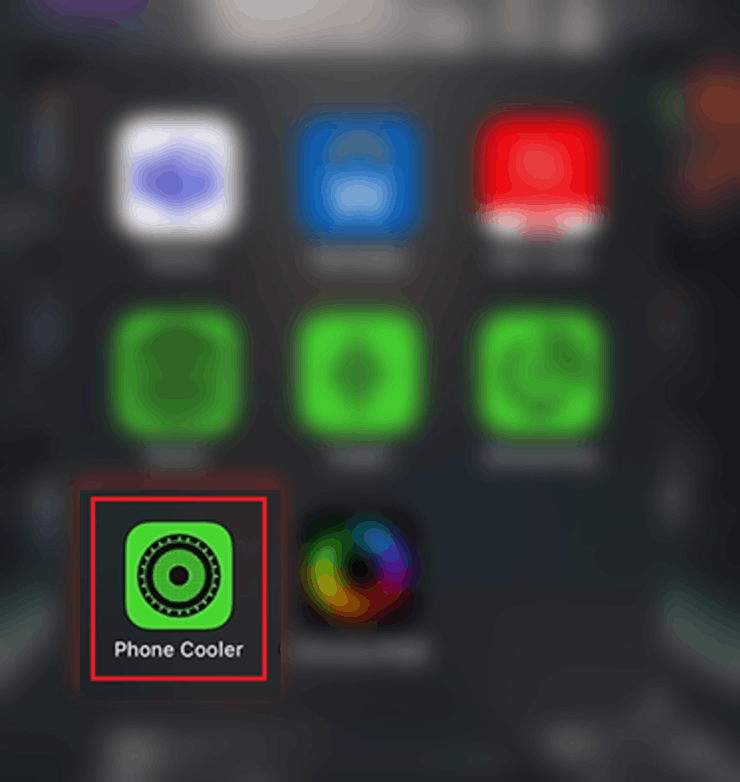
Download the Phone Cooler mobile app on your smartphone.
-
Ensure that the Razer Phone Cooler Chroma is plugged in and switched on.
-
Launch the Phone Cooler app.
-
Tap "SEARCH".
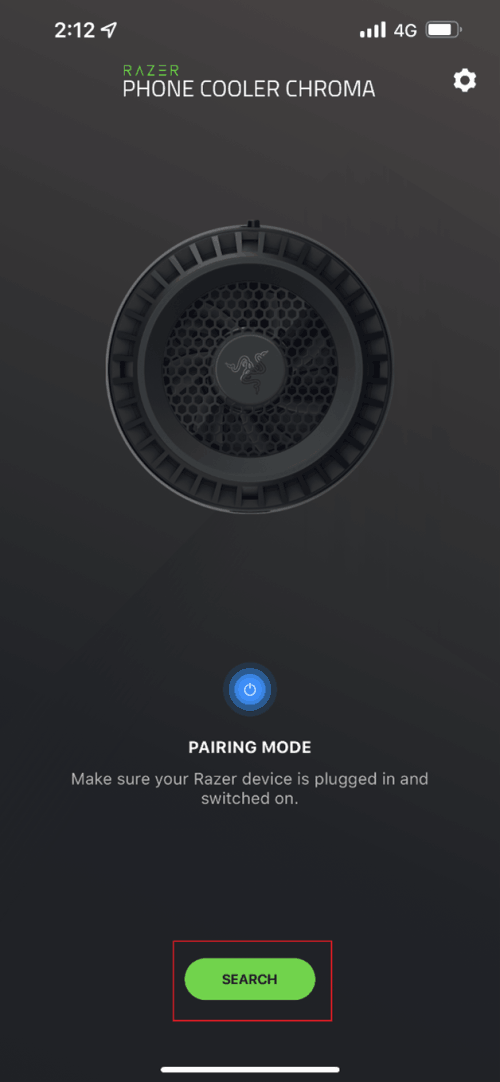
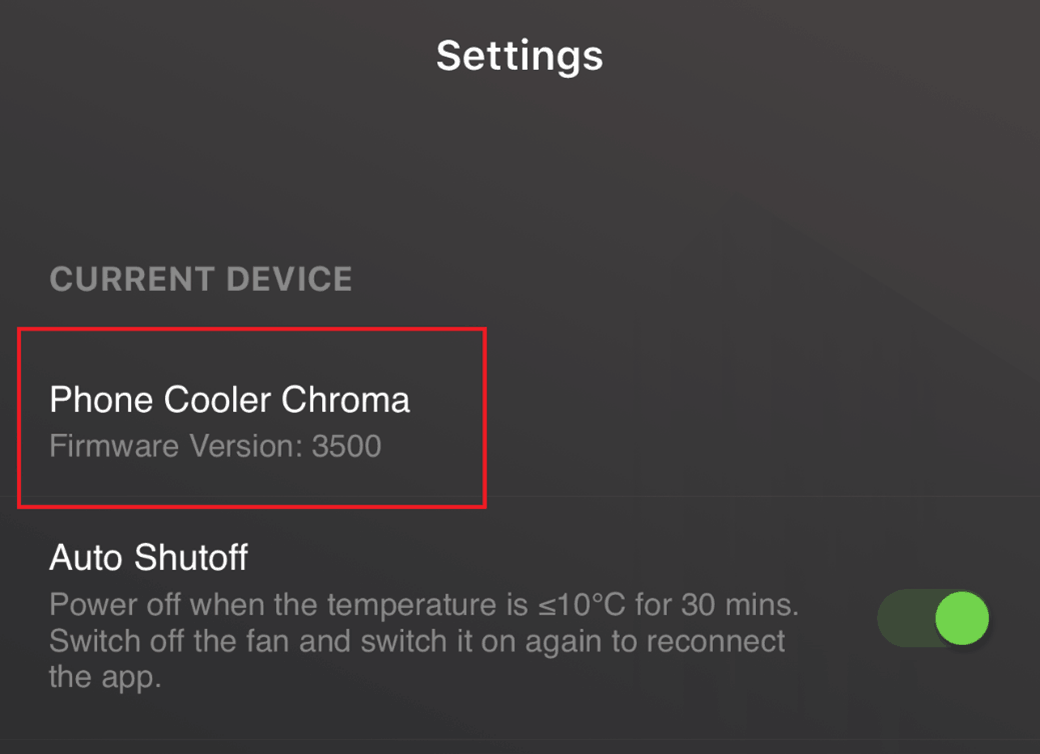
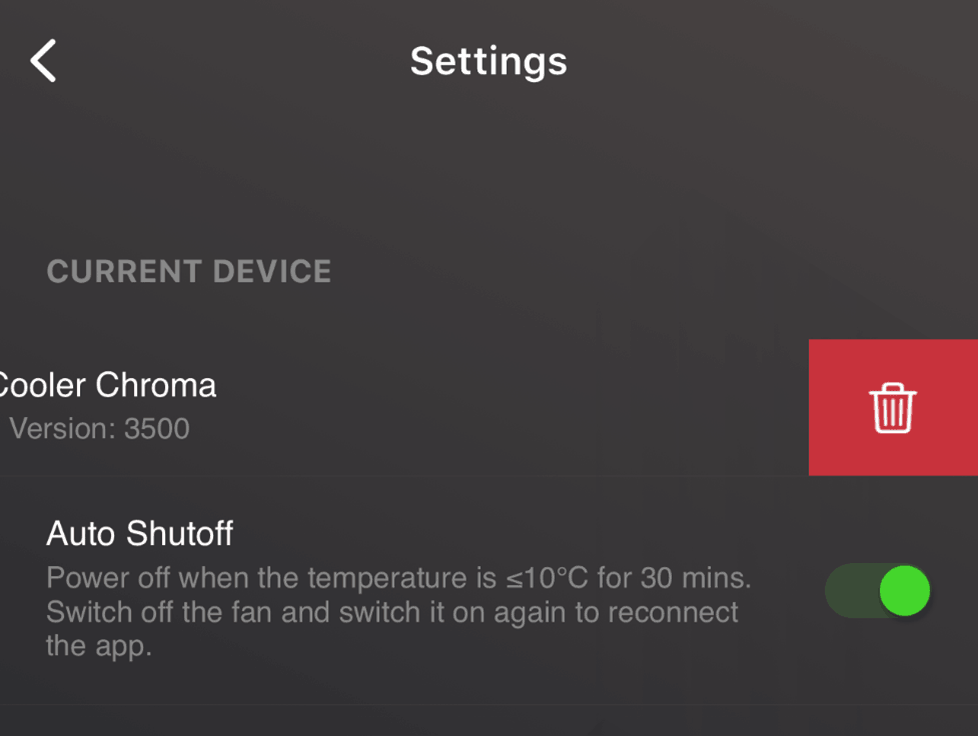
Your device will start searching for the Razer Phone Cooler Chroma. Once paired successfully, Phone Cooler Chroma will appear in the CURRENT DEVICE section under Settings.
Unpair your Razer Phone Cooler Chroma from your smartphone
-
Ensure that the Razer Phone Cooler Chroma is plugged in to your phone and switched on.
-
Launch the Phone Cooler app.
-
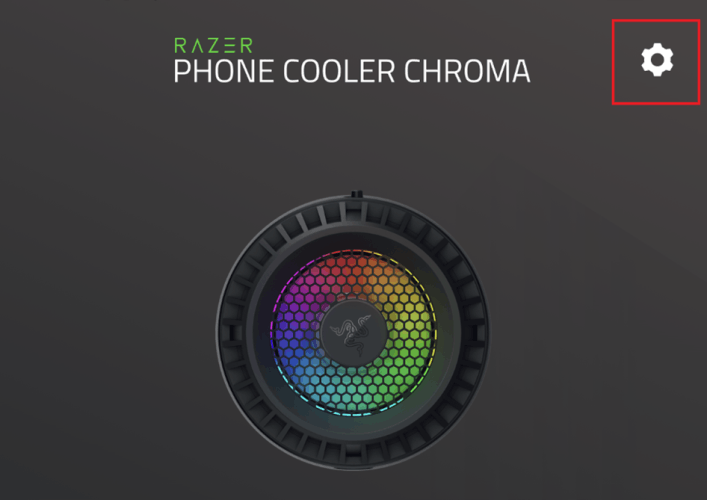
Tap the “Settings” icon.
-
Slide “Phone Cooler Chroma” to the left.
-
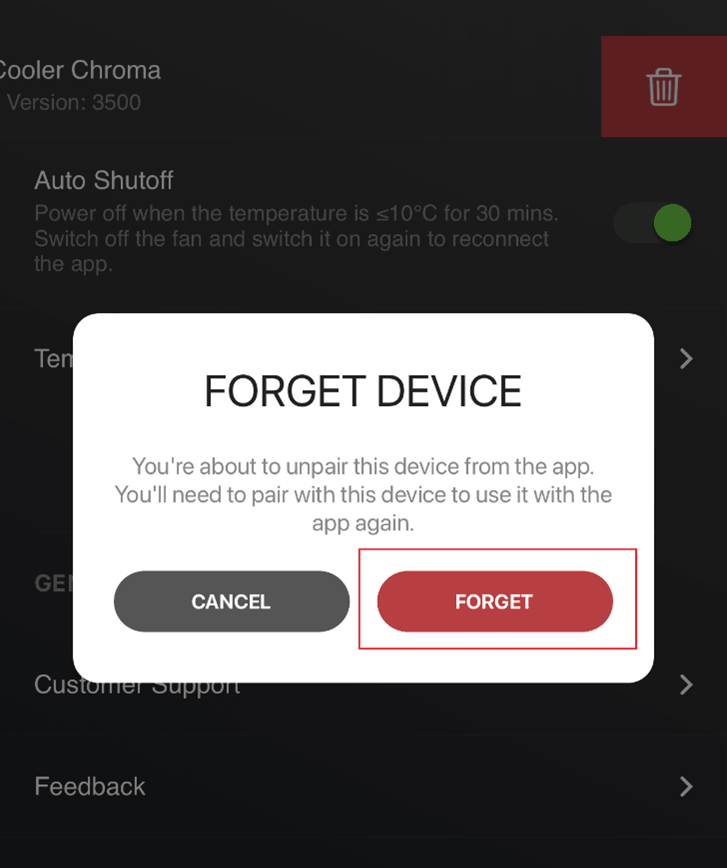
Tap “FORGET”.