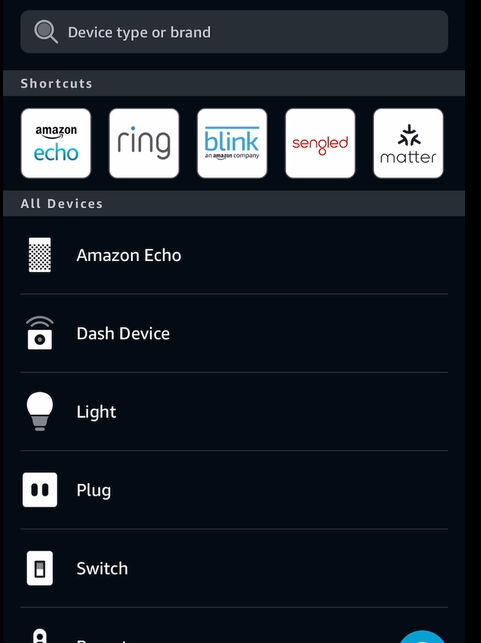
Link your devices, enable voice assistant integration, and control your lighting setup using simple voice commands for a more seamless smart home experience. This article provides instructions on how to connect your Razer Aether smart lighting devices to Amazon Alexa and Google Home.
Select an action
Link Razer Aether devices to Google Home
-
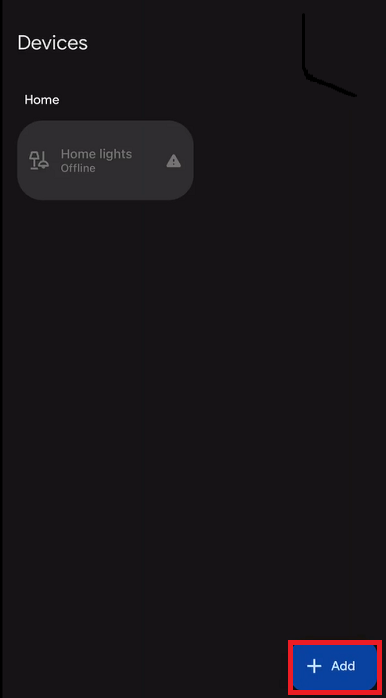
Open the Google Home App and tap "+Add".
-
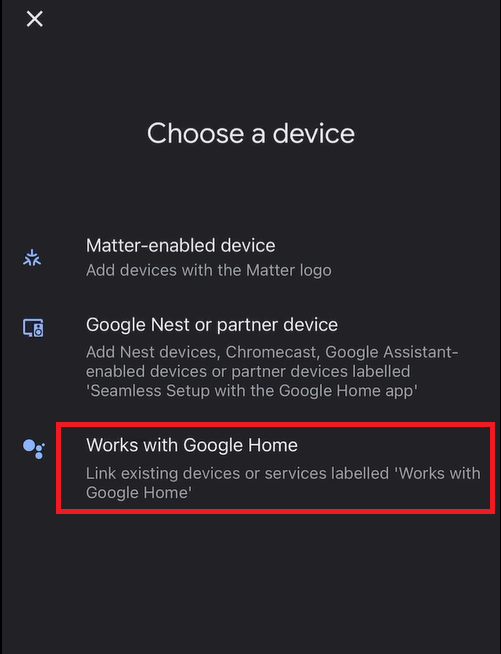
Select "Works with Google Home".
-
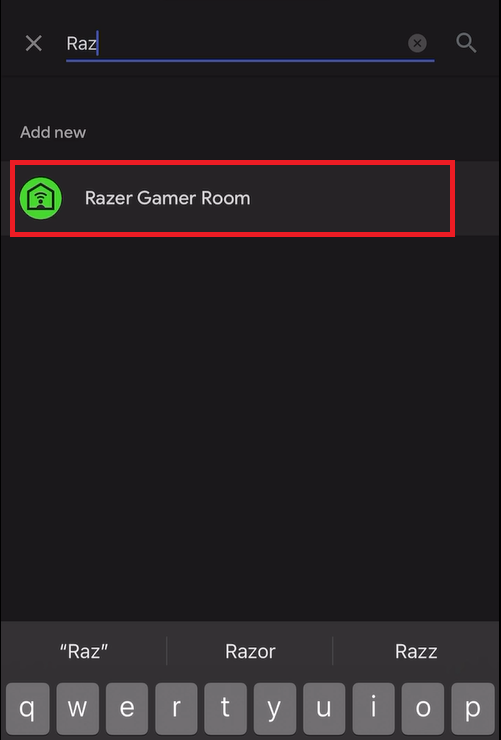
Search for "Razer" and tap "Razer Gamer Room".
-
Sign in to your Razer ID account.

-
Authorize Google to control your devices.

-
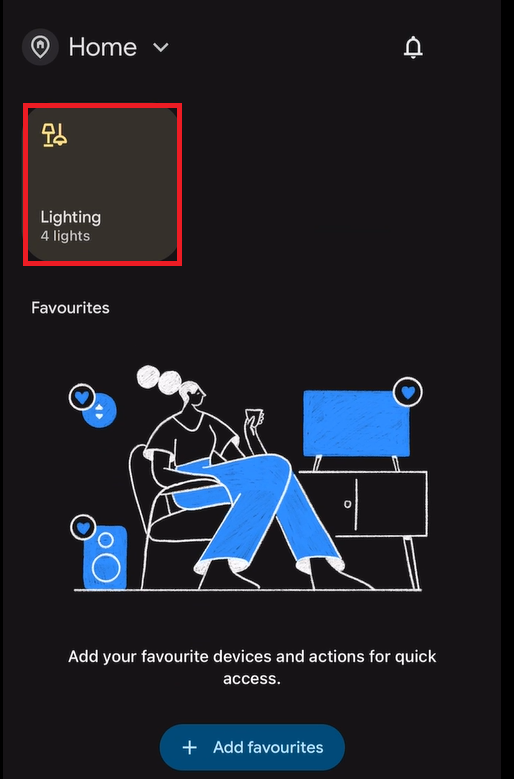
Razer Devices associated with your Razer ID will automatically be added to the Google Home App.
Link Razer Aether devices to Alexa
-
Download and install the Amazon Alexa App.
-
Log in to your Amazon account and select "Skills & Games".

-
Search for the "Razer Gamer Room" skill.

-
Activate the skill for your account by tapping "ENABLE TO USE".

-
Sign in to your Razer ID account.
-
Wait until the account linking and skill activation are successful.

-
Switch to Home and click on "DISCOVER DEVICES".
-
Razer Devices associated with your Razer ID will automatically be added to the Alexa App.