
Proper power control of the Razer Head Cushion Chroma requires a stable power connection. Incorrect power handling or abrupt disconnection may affect lighting behavior or Razer Chroma synchronization.
Follow the detailed instructions below to power the Razer Head Cushion Chroma on or off.
Select an action
Power ON
-
Make sure the Razer Head Cushion Chroma is plugged into a power source.
-
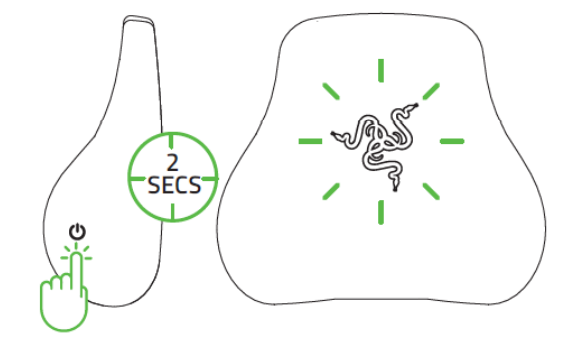
Press and hold the multifunction button for at least two seconds until the Razer THS logo lights up.
Power OFF
-
Press and hold the multifunction button for at least five seconds until the Razer THS logo turns off.

