Fix syncing issues between your Razer devices, third-party RGB gear, and Chroma-supported games with a few straightforward adjustments.
You can view the video below for instructions or review a copy of the video transcript.
Follow the step-by-step process on how to fix syncing issues between Razer, third-party RGB devices, and Razer Chroma-supported games.
Razer Synapse 4
-
Ensure that your Razer device is working properly and is detected by Razer Synapse. See Razer Synapse does not recognize or detect my Razer device for more information.
-
Check if your RGB device and video game support Razer Chroma.
-
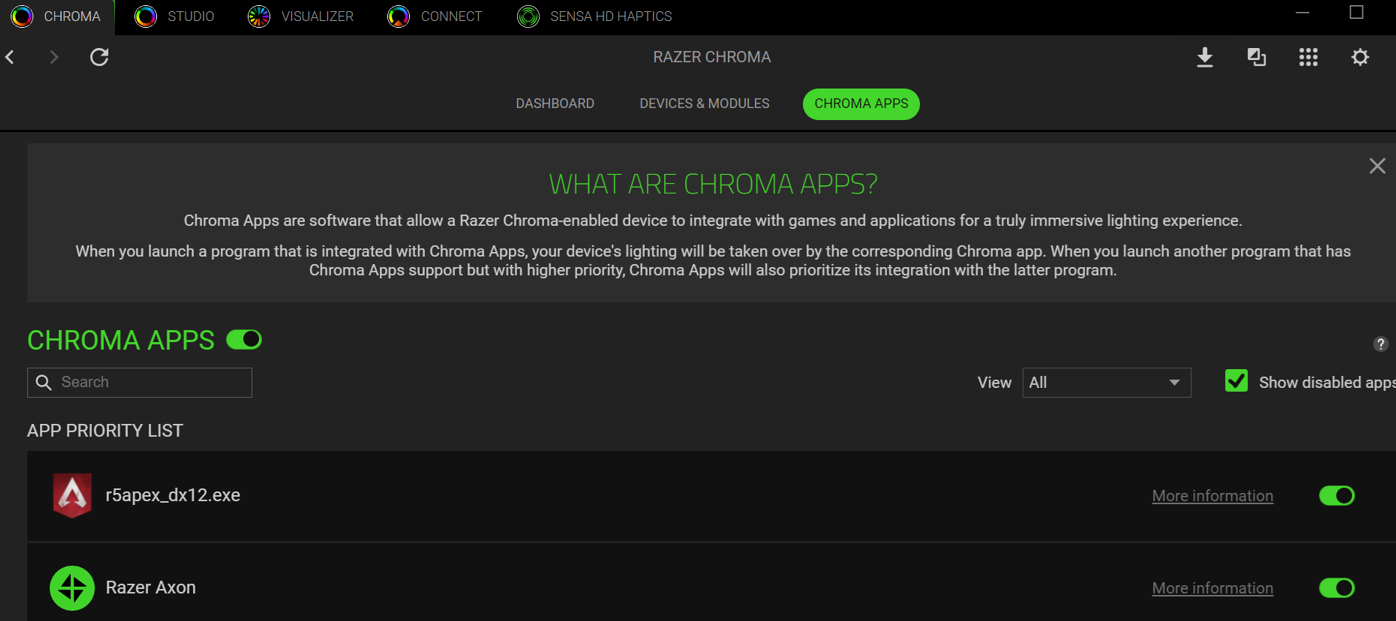
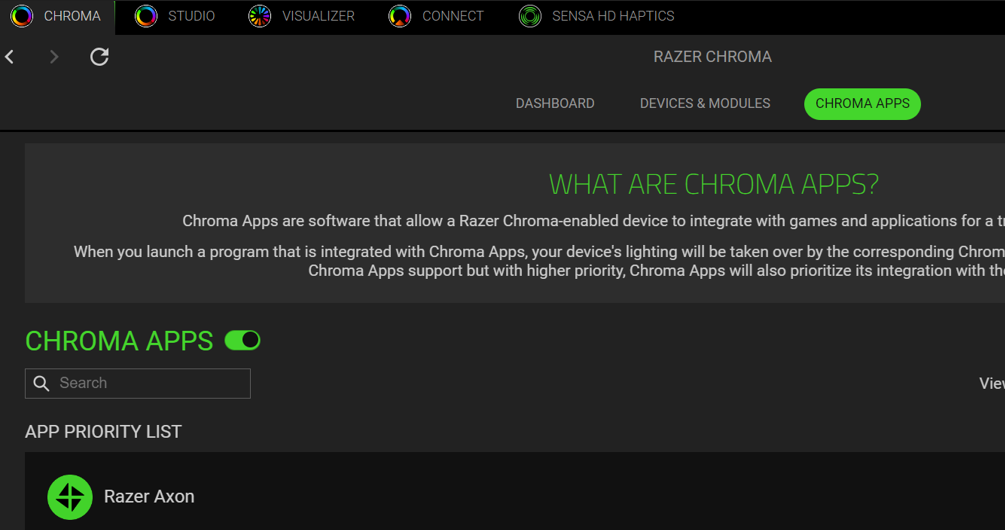
Launch Razer Chroma and click “CHROMA APPS”.

-
Toggle “CHROMA APPS” on.
-
You can then check if Chroma Apps has detected your game successfully.
Note: If it is not detected, ensure that the game has run for the first time for Chroma SDK. This must be done for Chroma Apps to recognize the game.