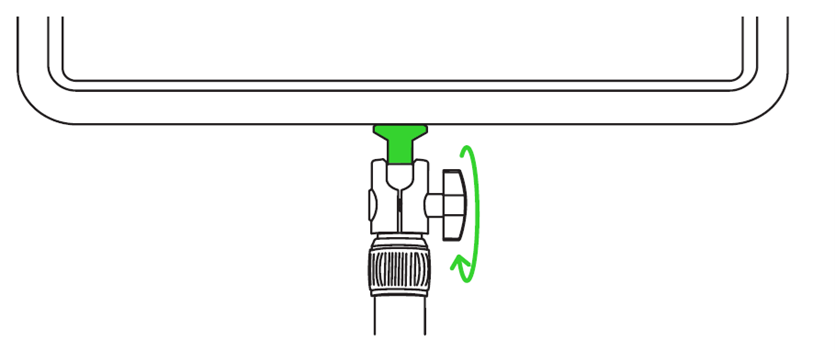
Below are tips for better Razer Key Light Chroma positioning.
Adjust the height
-
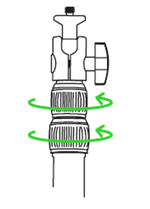
Loosen any of the height extension locks.
-
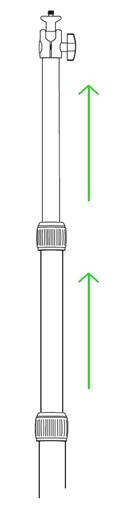
Adjust the column to your preferred height.
-
Once the preferred height is achieved, fasten the loosened lock.
Change the angle
-
Loosen the ball-head adjustment knob.
-
Adjust the angle of the Razer Key Light Chroma as needed.
-
Fasten the knob to lock the preferred angle in place.