
Applicable Model:
Firmware update v1.2.0_r1
-
https://rzr.to/PFuZ4N | March 23, 2022
- Support CPU temperature reading for Razer Hanbo AIO 240 MM ARGB and Razer Hanbo AIO 360 MM ARGB
Follow the detailed instructions below to run the updater on your device.
Step-by-step Process
Note: This firmware updater is applicable for both Hanbo 240MM and Hanbo 360MM variants.
-
Download the latest firmware update.
-
Launch the updater.
-
The updater will provide you with initial instructions before proceeding with the update. Once done, click on "NEXT".

-
Ensure the Razer Hanbo All-In-One Liquid Cooler is properly connected to your PC, then click on "UPDATE".

-
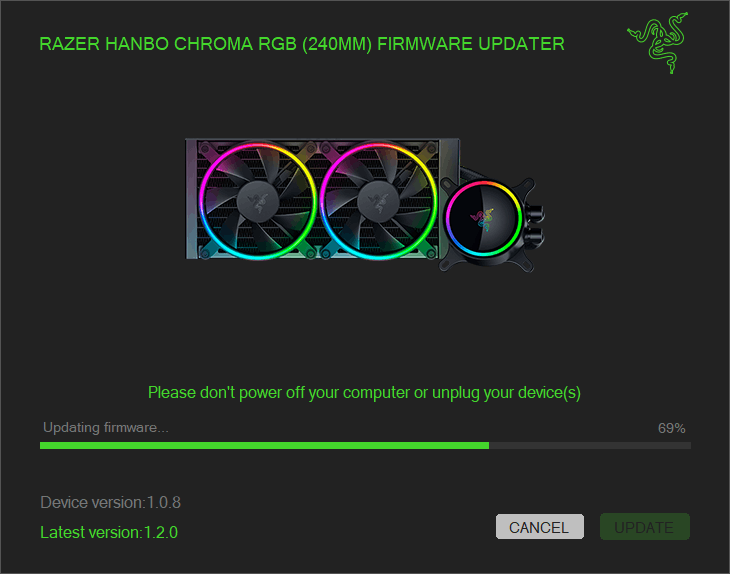
Wait for the update to complete.
Important: Do not power off your computer or unplug your device while the update is in progress.
-
The updater will notify you that your device is now updated to the latest firmware. Click “CLOSE”.


