
See the step-by-step instructions below on how to toggle between the Razer Leviathan V2 and a playback device.
-
Open Razer Synapse.
-
Navigate to “LEVIATHAN V2” > “SOUND”.
-
Set a secondary playback device under the “TOGGLE PC AUDIO DEVICES” section.
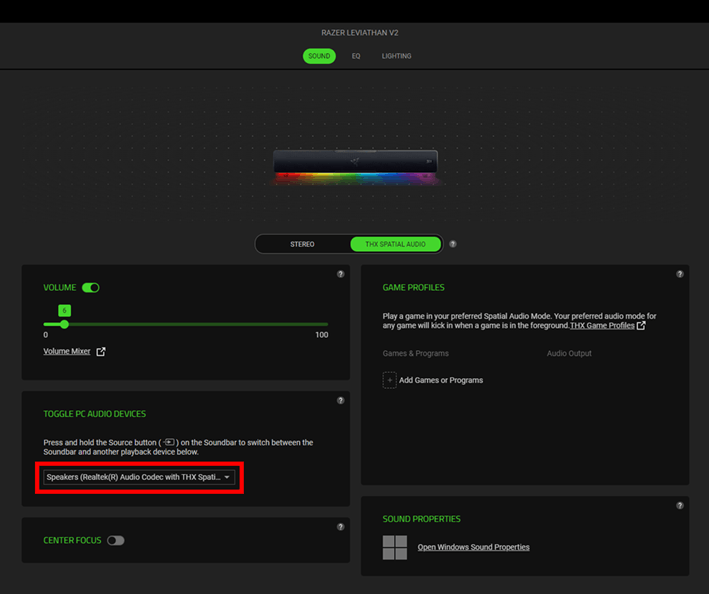
-
Press and hold the “Source” button on your Razer Leviathan V2 to switch to the other playback device.


