To set up the Razer Stream Controller with Streamlabs, make sure that you are running the latest Streamlabs and Loupedeck software.
Step-by-step process
- Open the Loupedeck software
- Start “Streamlabs”.
Note: If the Loupedeck software shows a red dot on top of the Streamlabs icon, this means the plugin is not connected.
- Identify the press action or rotation adjustment you want to add.
To search for an action in the actions panel:
- Browse through the Desktop, Navigation, Custom, and Universal plugin actions; or
- Enter the action in the search bar.

- Drag the desired action to a button or dial.
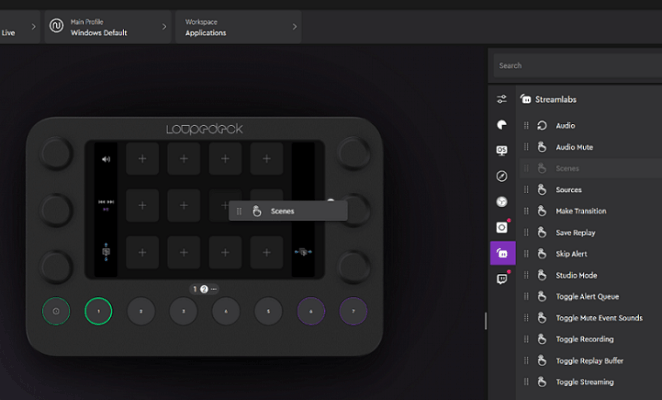
- Rotation adjustments are placed on the dials.
- Press actions are placed on the round buttons, touchscreen buttons, or on the dials.
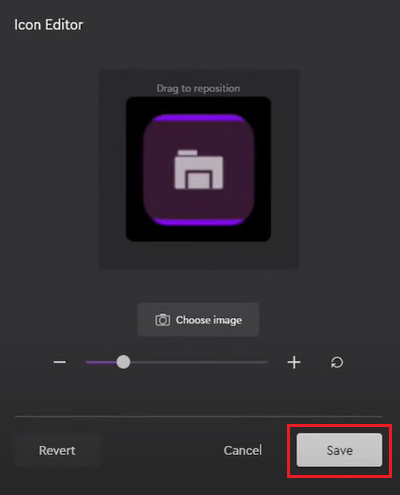
- Click on an action to customize the icon.
- Click “Save”.