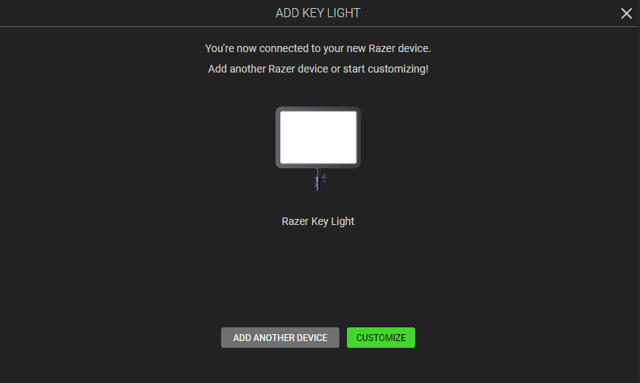
Add your Razer Wi-Fi device in Razer Synapse to customize your Wi-Fi device and maximize your experience.
Applicable Model:
Follow the detailed instructions below to add Wi-Fi devices on Razer Synapse.
-
Switch on the device.
-
Activate the device's pairing mode.
-
Open Razer Synapse 4.
-
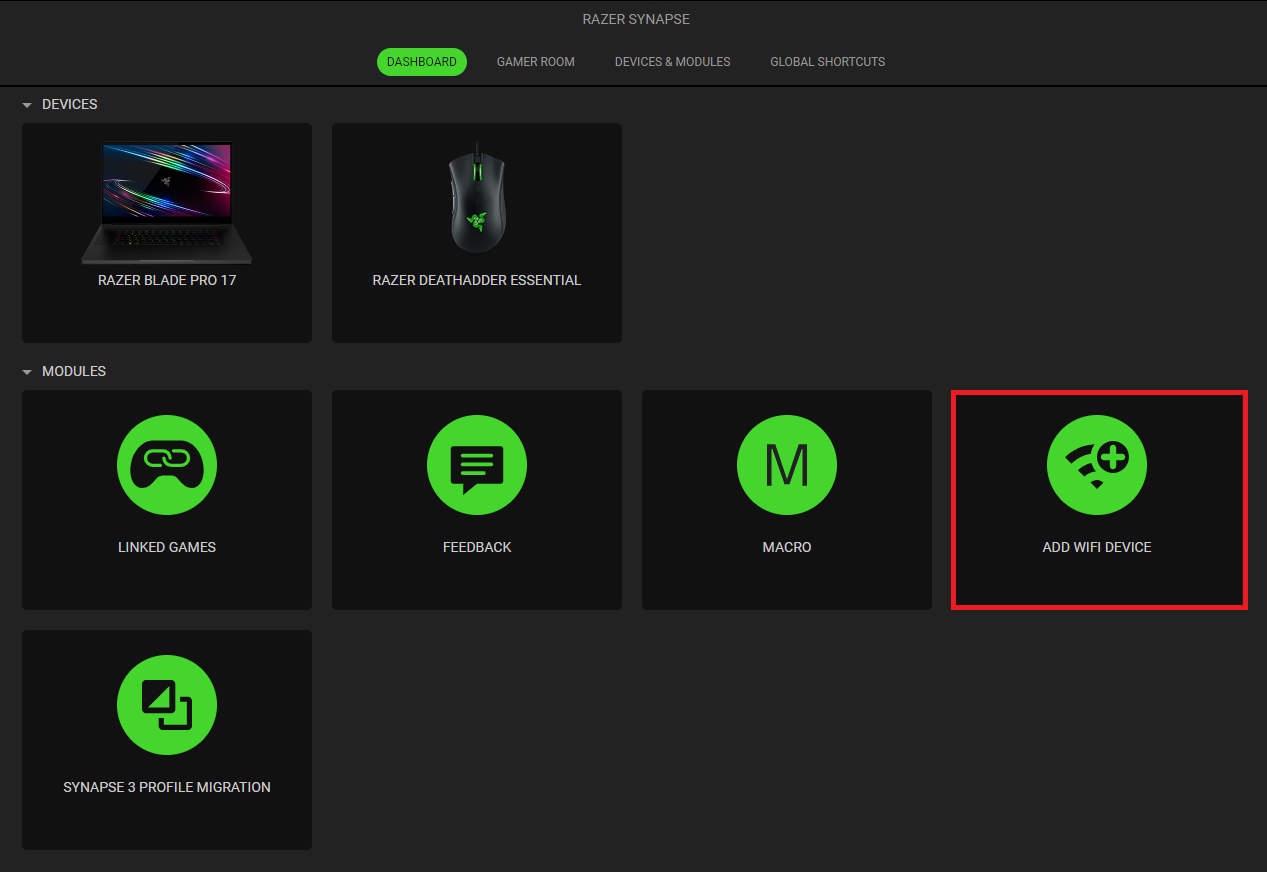
Click on “ADD WIFI DEVICE” under “MODULES”.
-
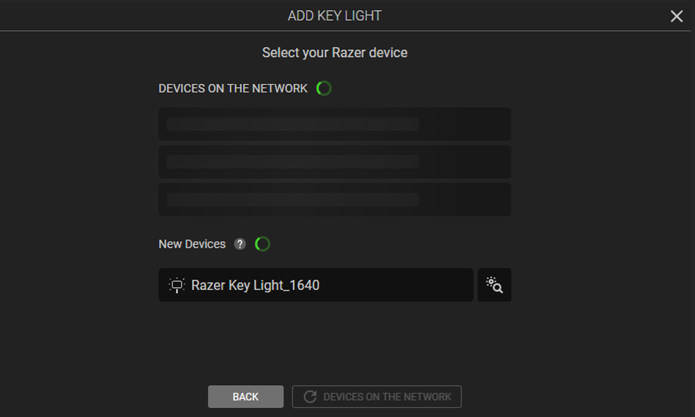
Select the type of device you wish to add on the window that appears.
-
Select the Wi-Fi network and password that you want to connect to. Ensure you are connecting to a 2.4 GHz network.
-
Wait for Razer Synapse 4 to set up the device. The device will then appear in the "DASHBOARD".