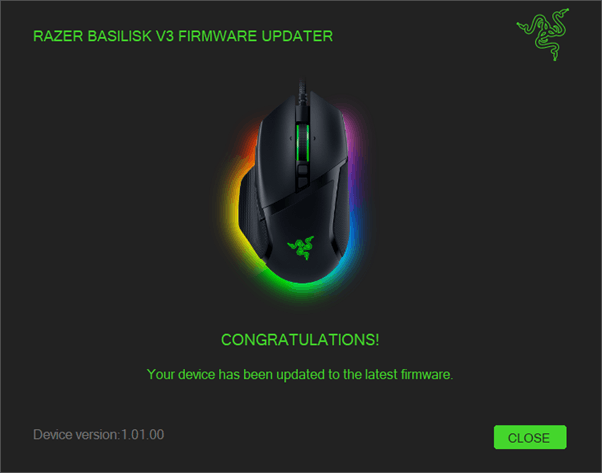
A firmware updater is a tool that keeps your gaming gear running at its best. Installing the latest firmware can improve performance, fix known issues, and help devices work more smoothly and reliably.
Applicable models:
Firmware update v1.02.00_r1
- https://rzr.to/YgoEgY | January 4, 2023
Release notes
- Fixed the issue that when assigned more than 45 macros, will have chance stuck, have no function during synapse running.
Follow the detailed instructions below to run the updater on your device.
Step-by-step Process
Before you start
-
If using a laptop, ensure it is plugged into a wall outlet. Do not let it run on battery alone.
-
Save any open documents on your computer.
-
Close all other programs.
-
Download the latest firmware.
Update process
-
Run the updater.
-
Click "Yes" if the User Account Control window pops up to proceed.
-
Click "NEXT" to proceed. The updater will close all running Razer applications.

-
Connect the device to PC then click "UPDATE".

-
Wait until the update process is complete. Do not interrupt.
-
Click "CLOSE" once the update is complete.