
Note: The Razer Sila app will no longer be usable after the 16th of October 2024. Live support for Razer Sila is no longer available. Please refer to our knowledge base or Insider Forum for support.
The Razer Sila router reached end-of-life. To configure the router, use the web user interface.
Step-by-step process
-
Launch a web browser.
-
Type “sila.razer.com” or “192.168.8.1”.
-
Press “Enter”.
|
|
|
|---|---|
|
Status
|
  |
|
Wireless Configuration
|
 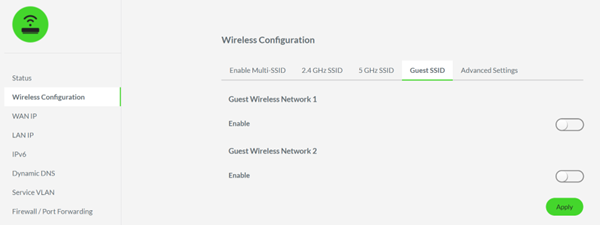 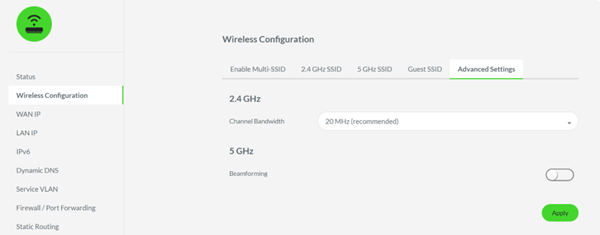 |
| Wide Area Network (WAN) IP | 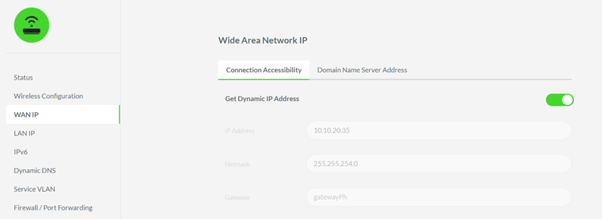 |
|
Local Area Network (LAN) IP
|
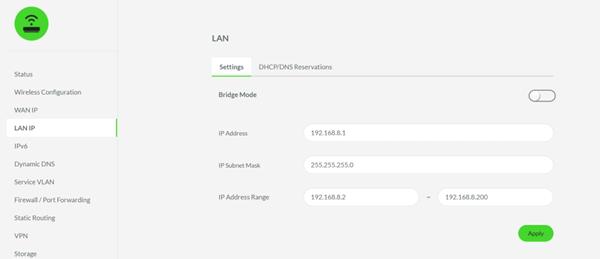 |
|
Firewall / Port Forwarding
|
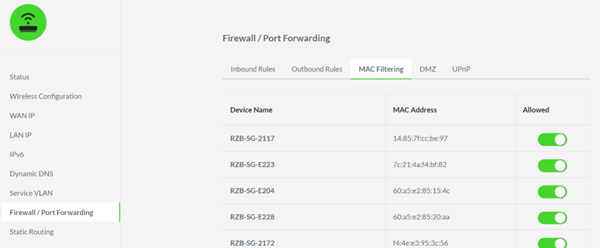 |
| Time Zone and Daylight Saving | 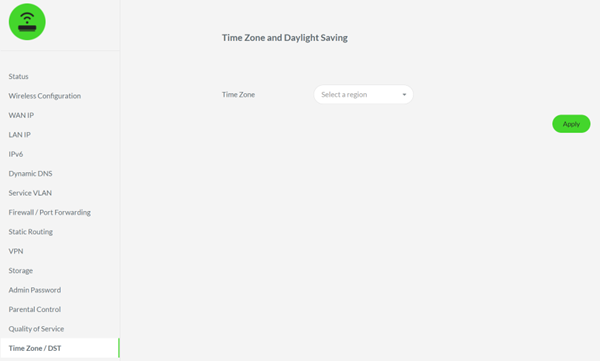 |
| Parental Control |
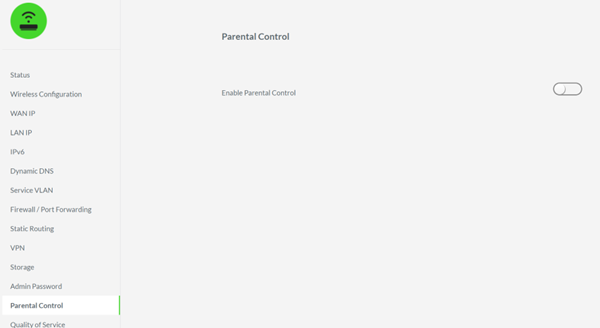 |
|
Quality of Service
|
 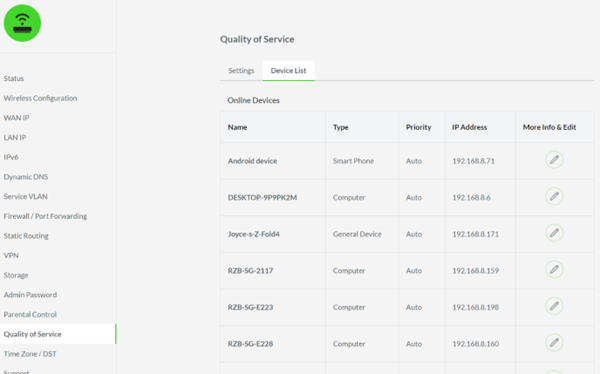 |
| Status Indicator Settings | Not available |
| Compatibility Mode | Not available |
| Internet Speed Test | Not available. Perform the Bandwidth test using websites like “https://www.speedtest.net/”. |
| Mesh Connection Quality | Not available. Refer to the online manual guide for mesh setup. |
| Traffic Management | Not available. Perform the Bandwidth test using websites like “https://www.speedtest.net/”. |

