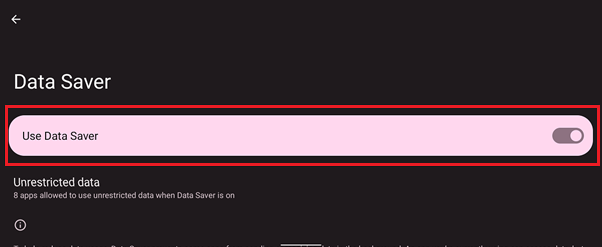
Enabling the Data Saver feature on the Razer Edge limits the background use of mobile data for most apps and services on your device. Follow the steps below to enable data saver on the Razer Edge.
Step-by-step process
-
Go to "Settings".
-
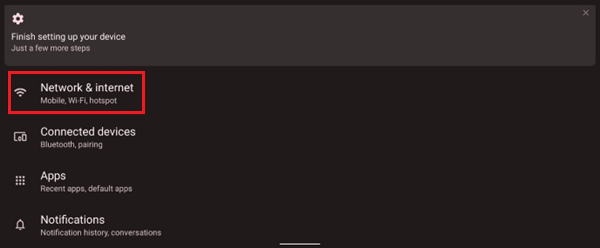
Go to "Network & internet".
-
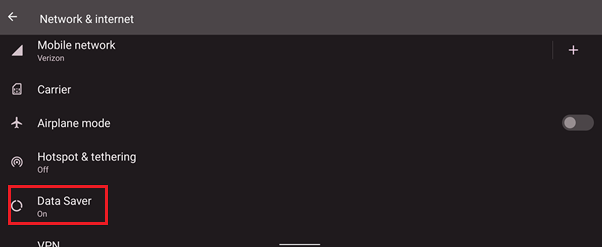
Select “Data Saver”.
-
Toggle on the switch for “Use Data Saver”.