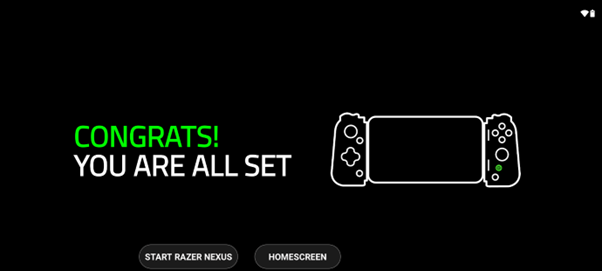
Follow the steps below to set up the Razer Edge.
Step-by-step process
-
Press the power button to boot up the device. Tap “NEXT”.

-
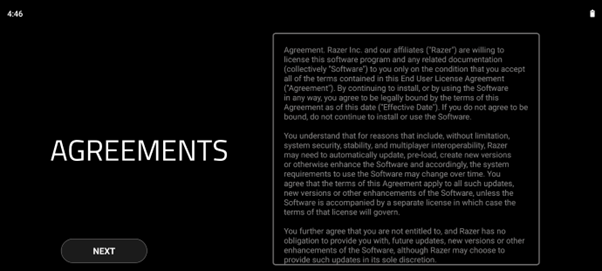
Tap “NEXT” to accept Razer's Terms and Conditions.
-
Choose your language and tap "START".

-
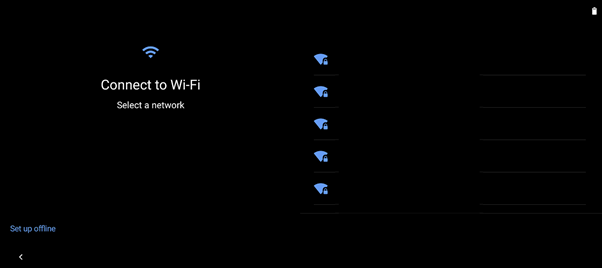
Connect the Razer Edge to the internet to set up your device. Otherwise, tap “Set up offline”.
-
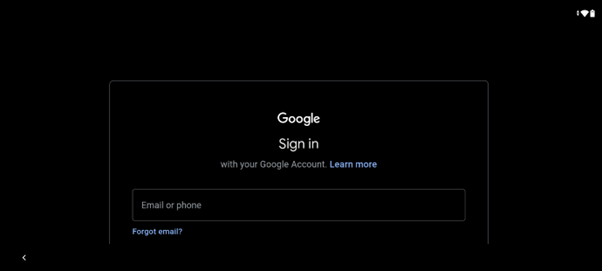
Log in to your Google account.
-
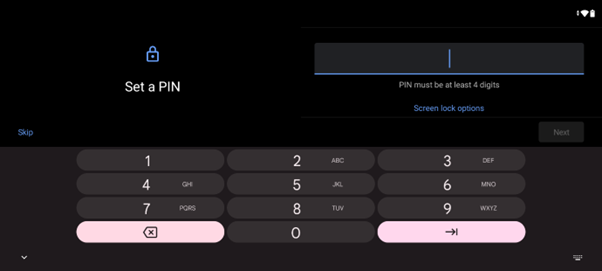
Create a PIN.
-
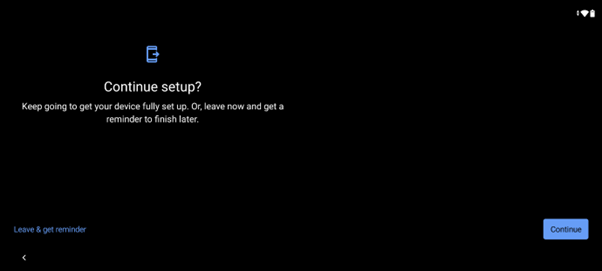
Tap “Continue” to set up your account. Otherwise, tap “Leave & get reminder”.
-
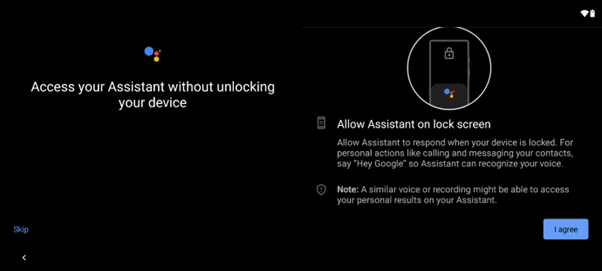
Tap “I agree” to allow Google Assistant to respond when your device is locked. Otherwise, choose “Skip”.
-
Set up other settings on your device. If you want to do this later, tap “No thanks”.
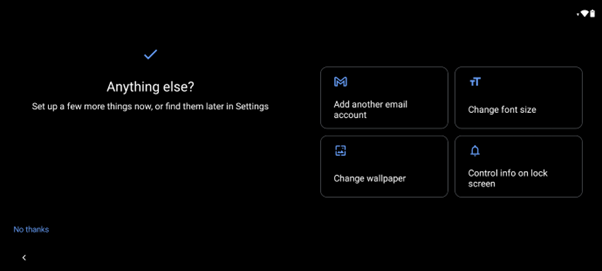
The Razer Edge is now ready to use.