
Follow the steps below to back up data on the Razer Edge.
-
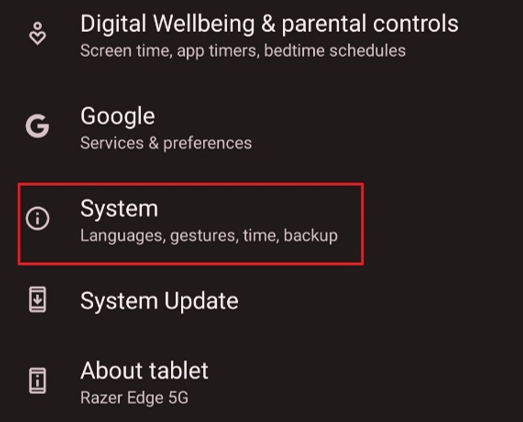
Go to “Settings” > "System".
-
Select “Backup”.

-
Enable "Back up to Google Drive".
-
Tap "Account", then "Add account".
-
Sign in your "Google Account".
Once enabled, the Razer Edge will regularly store your data in the cloud. To recover your data, sign in your Google account to sync the data to your device.

