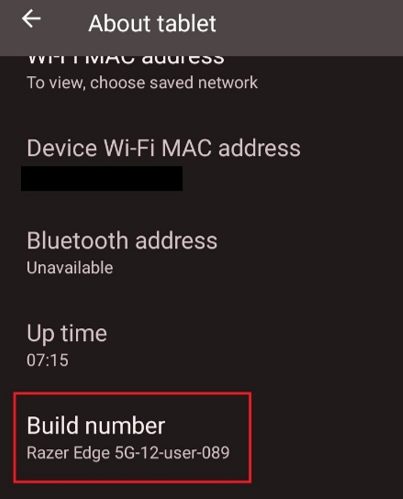
The Build number of a device consists of letters and numbers to determine the device information related to its release. This includes the family, date code when it was manufactured, version, and so on.
Follow the steps below to find the Build number of your Razer Edge.
-
Go to Settings.
-
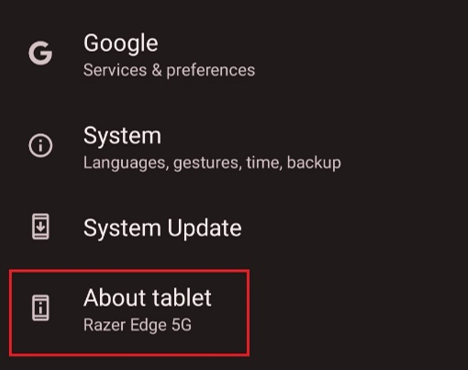
Select “About tablet”.
-
Scroll down to see the Build number.