
Battery Saver reduces some of the Razer Edge's settings and features to help increase its battery life.
Follow the steps below to turn Battery Saver on or off on the Razer Edge.
-
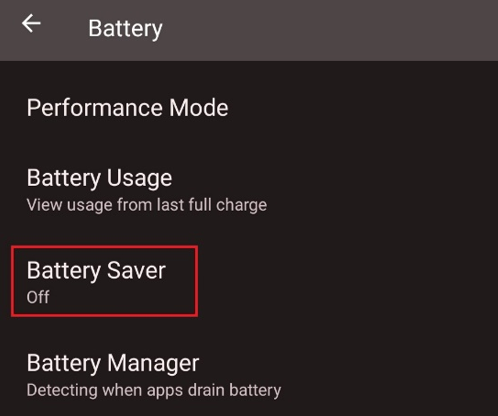
Go to “Settings" > "Battery".

-
Scroll down and look for “Battery Saver”.
-
Make the necessary changes.

