Follow the steps below to turn on vibration on the Razer Edge.
-
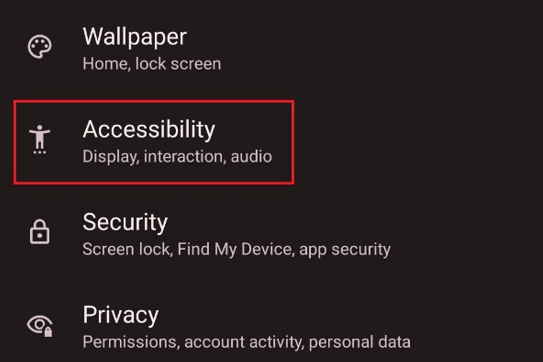
Go to “Settings" > "Accessibility".
-
Scroll down and look for “Vibration & haptic strength”.

-
Make the necessary changes.
-
Test the vibration on the tablet.

Follow the steps below to turn on vibration on the Razer Edge.
Go to “Settings" > "Accessibility".
Scroll down and look for “Vibration & haptic strength”.
Make the necessary changes.
Test the vibration on the tablet.

