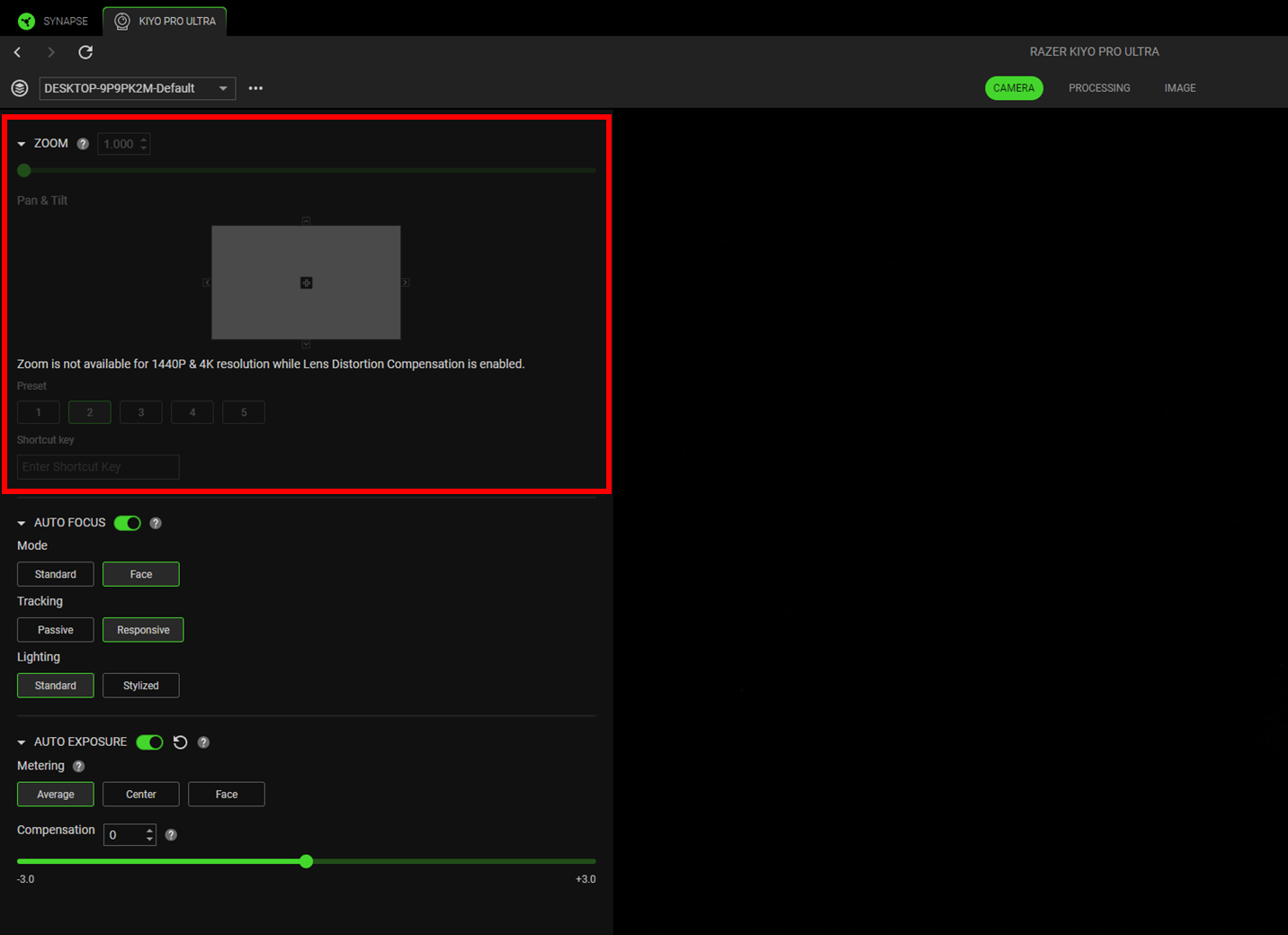
Field of view adjustments on the Razer Kiyo Pro Ultra depend on supported resolution modes, digital zoom levels, and active camera profiles within Razer Synapse. Incorrect configuration may cause image cropping, distortion, or unexpected framing behavior during video capture.
Follow the detailed instructions below to change the field of view on the Razer Kiyo Pro Ultra.
-
Open Razer Synapse.
-
Select the Razer Kiyo Pro Ultra from the “DASHBOARD”.
-
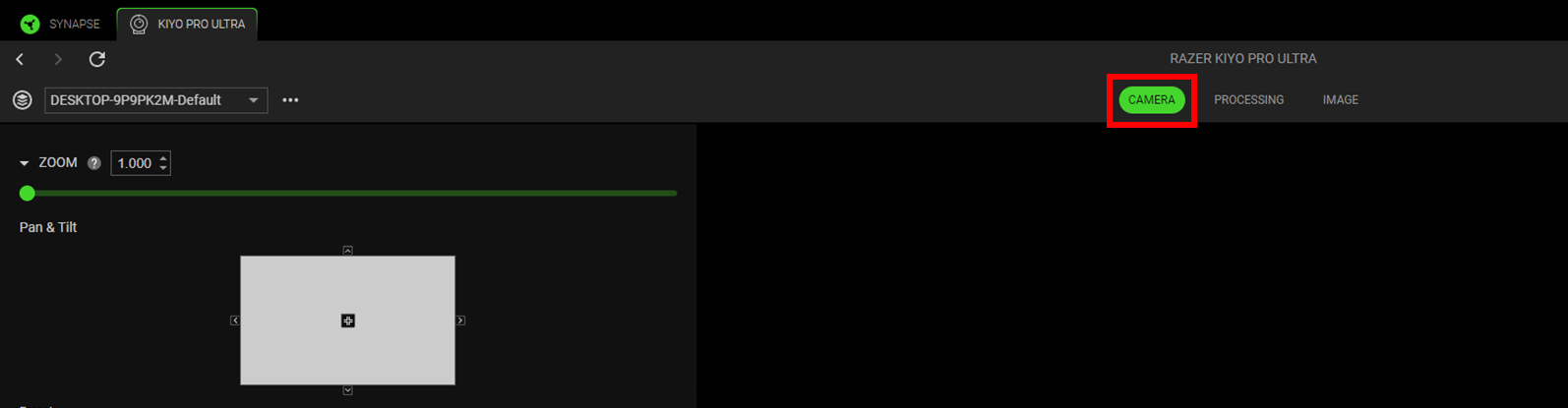
Navigate to the “CAMERA” tab.
-
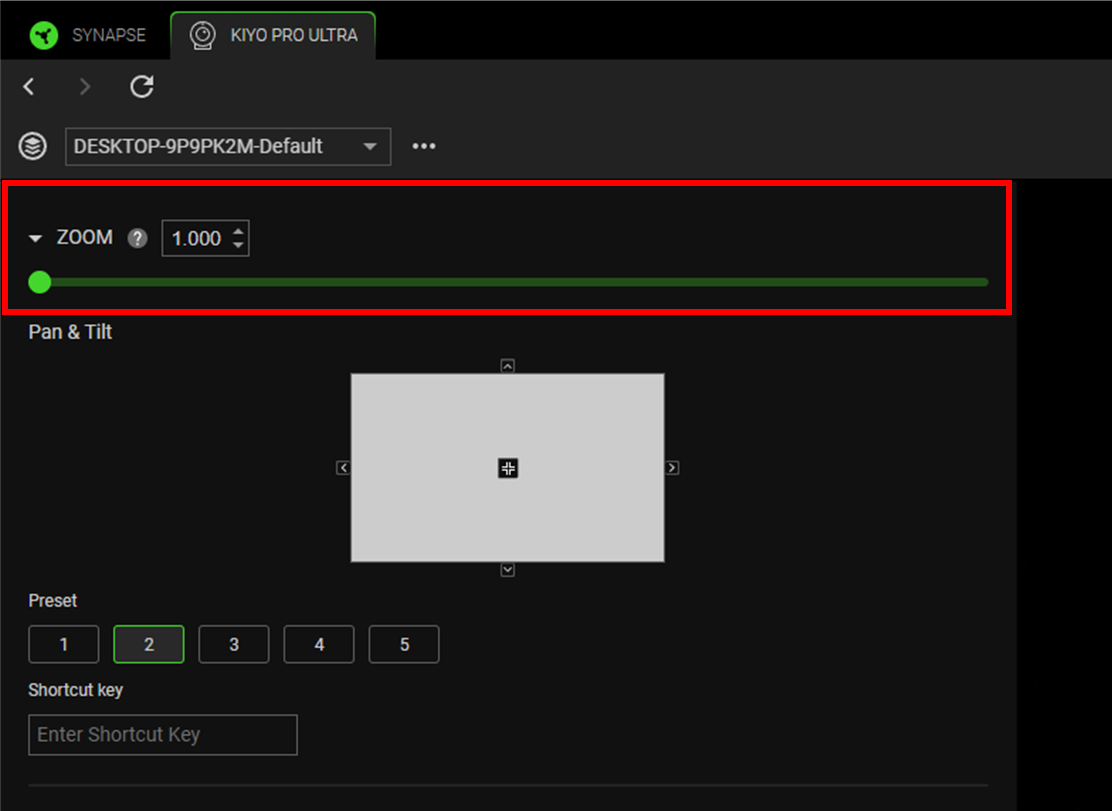
Drag the zoom slider to change the view.
-
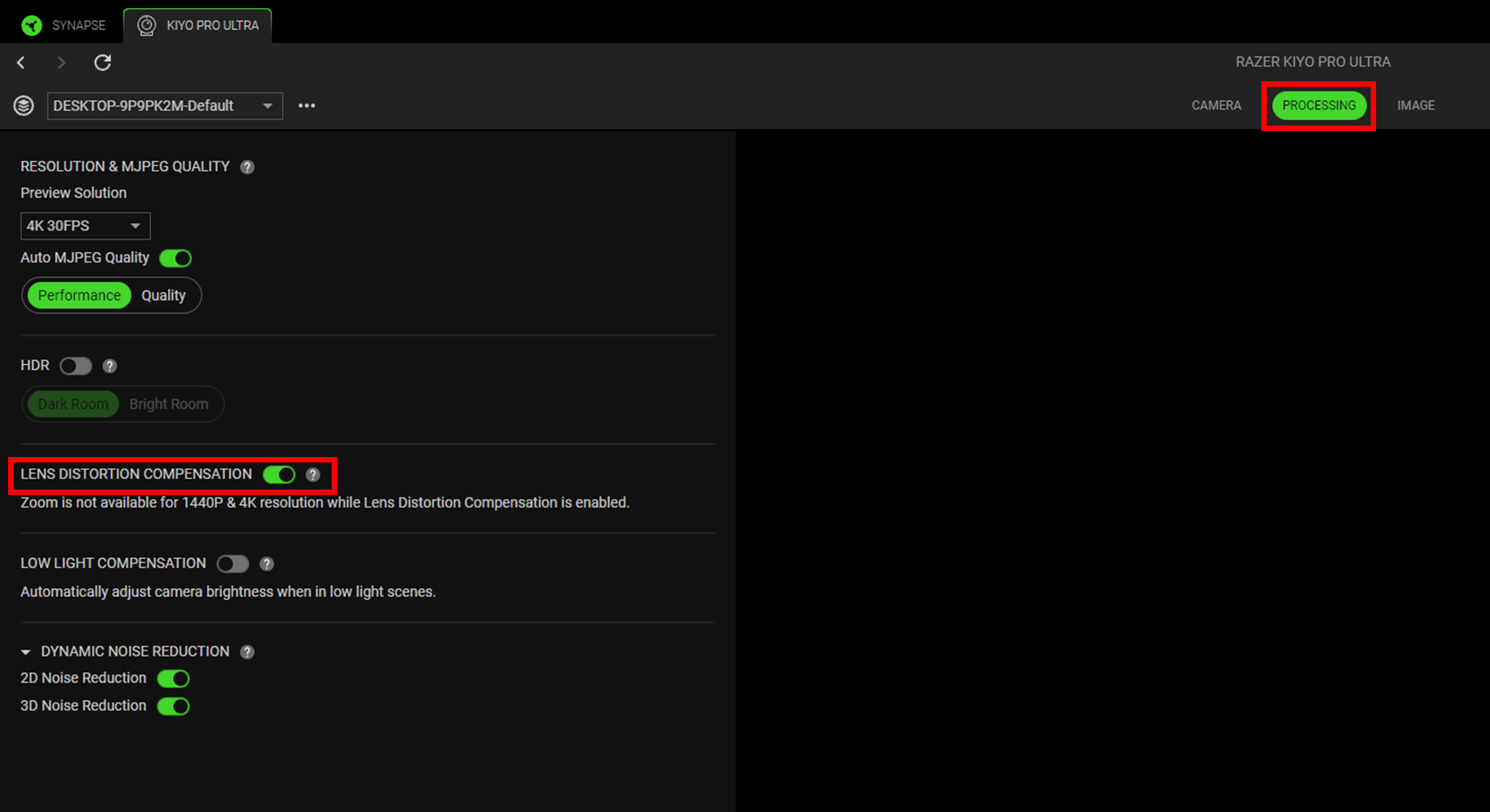
Navigate to the “PROCESSING” tab and toggle “LENS DISTORTION COMPENSATION” off. This is applicable if “ZOOM” is unavailable for 1440P and 4K resolution.