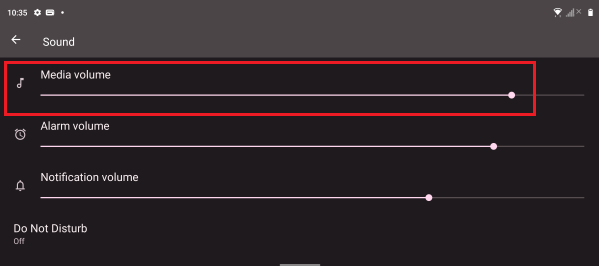
The Razer Edge is a gaming tablet, hence, it does not have native call function. However, call function is still available through third party applications such as Whatsapp or Discord, and it can be controlled via “Media Volume”.
To resolve the poor or no sound issue on the Razer Edge, ensure the Media Volume is properly set up:
-
Go to “Settings”.
-
Tap “Sound”.

-
Adjust the “Media Volume” according to your preference.