Applicable Model:
Firmware Updater v1.3.0.0_r1
- https://rzr.to/Srzk9T | November 27, 2023
- Fixed sound volume issue on iOS.
Follow the detailed instructions below to run the updater on your device.
Step-by-step Process
Before you start
-
If using a laptop, ensure it is plugged into a wall outlet. Do not let it run on battery alone.
-
Save all files and close all programs.
-
Download the latest firmware.
Update process
-
Run the updater.
-
Click "Yes" if the User Account Control window pops up to proceed.
-
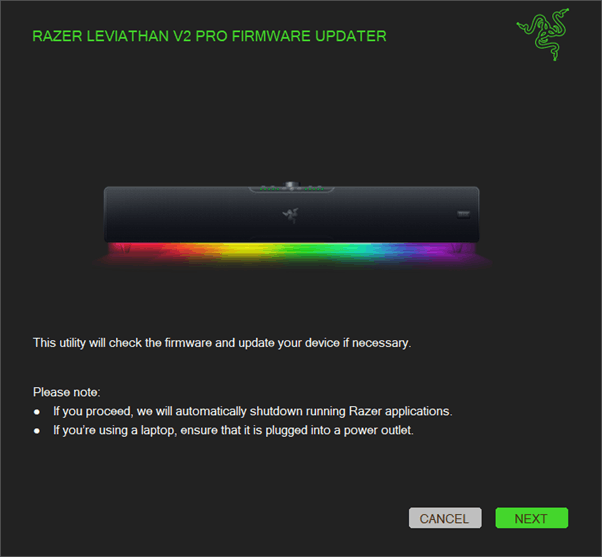
Click "NEXT" to proceed. The updater will close all running Razer applications.
-
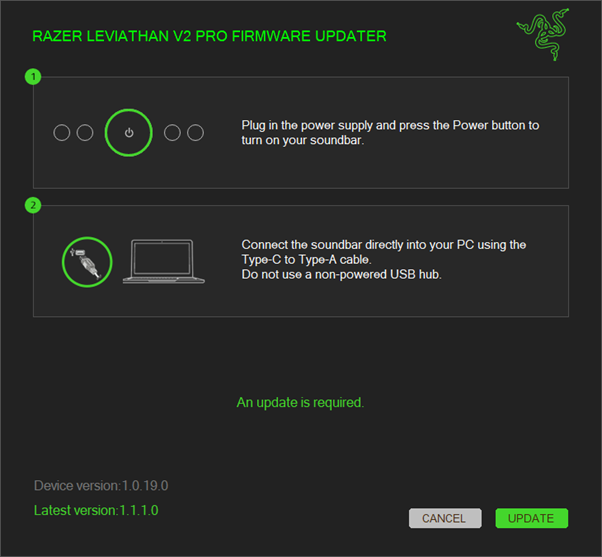
Connect the soundbar directly to your PC using the Type-C cable.
-
Turn on the soundbar by pressing the power button.
-
Click "UPDATE".
-
Wait until the update process is complete. Do not interrupt.

-
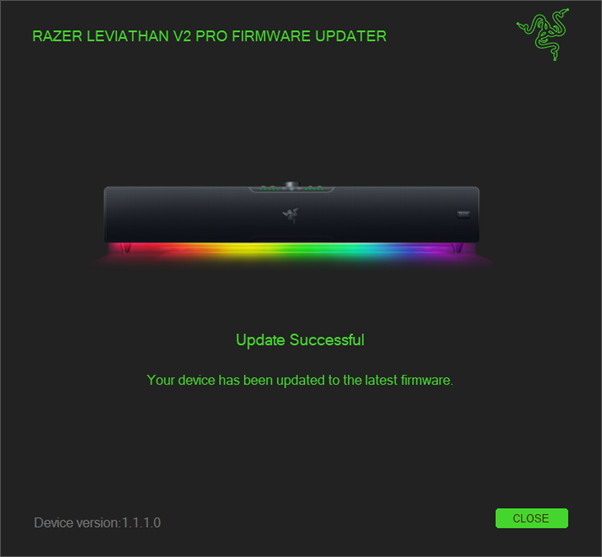
Click "CLOSE" once the update is complete.