Step-by-step process
-
Go to the screen you wish to take a screenshot of.
-
Press the "Power" and the "Volume down" buttons simultaneously.
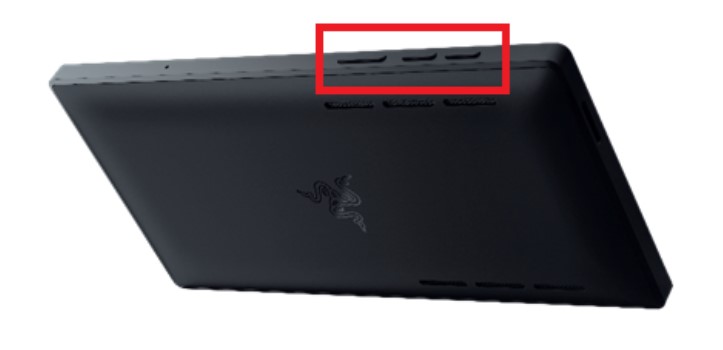
Your screenshots will be saved in the Photos folder.


Step-by-step process
Go to the screen you wish to take a screenshot of.
Press the "Power" and the "Volume down" buttons simultaneously.
Your screenshots will be saved in the Photos folder.

