Low storage is one of the most common causes why devices lag. Some devices start to lag when 80% of the storage capacity is used. Remove temporary app files to free up consumed storage space.
Step-by-step process:
-
Go to "Settings".
-
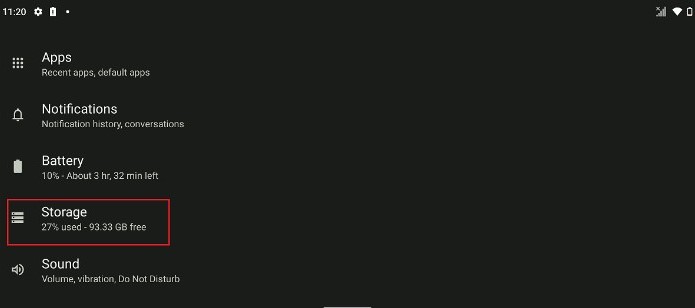
Tap “Storage”.
-
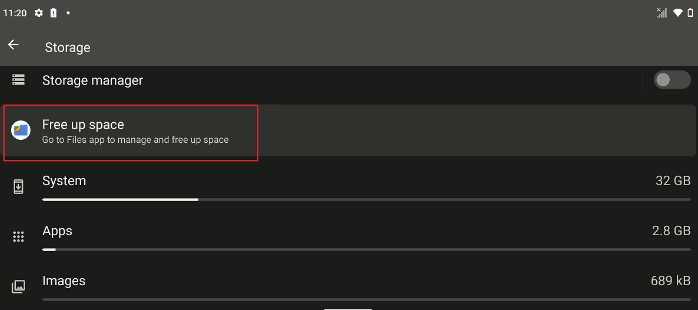
Tap "Free up space".
-
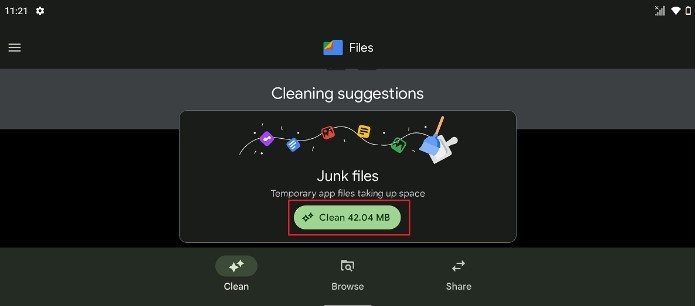
Tap "Clean".
-
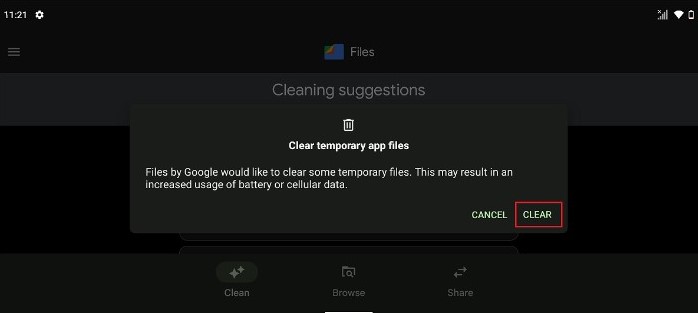
Tap “Clear” to delete temporary app files.