
Very low volume on your Hammerhead True Wireless when connected to a Samsung handset can be caused by Bluetooth version incompatibility. To resolve this issue, enable the “Media Volume Sync” feature.
-
Go to Settings > Connections > Bluetooth.

-
Tap the three-dot menu icon at the upper-right corner of the screen.

-
Select “Advanced”.
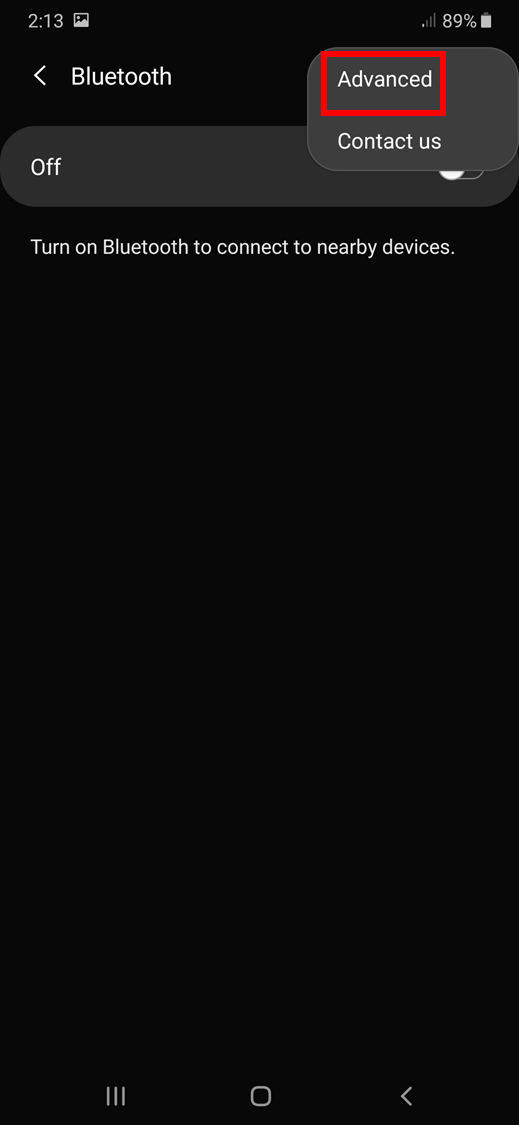
-
Tap to toggle “Media volume sync” on.


