You can wirelessly link and play audio concurrently on two Razer Leviathan Mini | RZ05-01570 speakers using their Combo Play function. Just follow these steps:
-
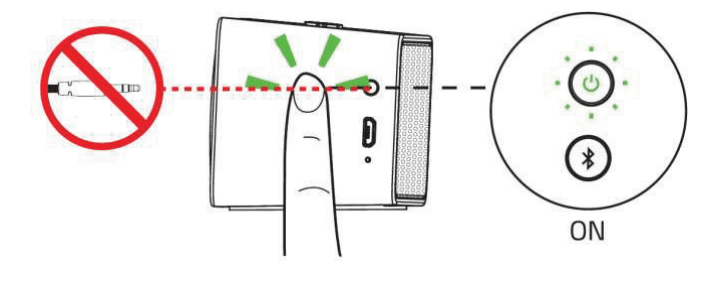
Turn on your primary speaker and connect it to an audio source via Bluetooth. Ensure that the speaker is not connected to an analog cable.

-
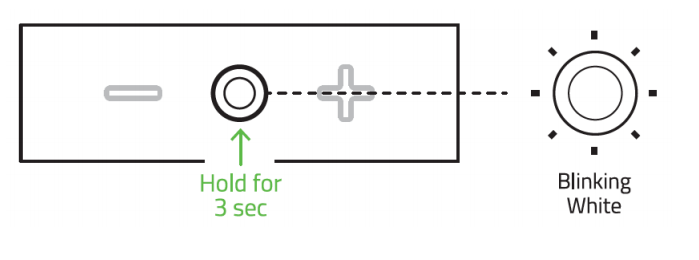
Press and hold the Multi-Function Button (MFB) for at least three seconds until it starts to blink slowly in white. The Leviathan Mini will begin to search for other speakers within four meters of its current location.

-
Turn on your second speaker and ensure that it is also not connected to an analog cable or any device via Bluetooth. If you have previously connected it to a Bluetooth device, you will need to press and hold the Bluetooth button for at least three seconds to disconnect the speaker.
-
Press and hold the MFB on the second speaker for at least three seconds until it starts to blink slowly in white.

-
Once both speakers have been linked, both speakers’ MFBs will glow static white. An audio tone will also be played upon linking the speakers.

To unlink the speakers, press and hold the MFB for at least three seconds on either speaker until the button starts to blink rapidly. The speakers are unlinked when the LED indicator on the button turns off.