
Step-by-step process on how to set up the Razer Stream Controller X with OBS Studio
-
Log in to your Loupedeck account.
-
Start OBS Studio.

-
Drag the action or action type on to a dial or button from the action panel to set up OBS Studios actions.
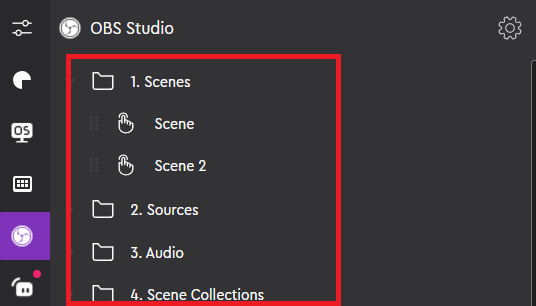
-
Click on an action to customize the icon.
-
Click "Save".

