
The Razer Edge is equipped with Liquid Damage Indicators (LCIs) that show if the phone has been in contact with water or other liquids. Once the LCI has been exposed to water or other liquids, it will quickly change from white to red. The LCI will only change color if exposed to a liquid and will not be affected by high humidity or other environmental factors.
The Razer Edge’s LCI is checked by opening the SIM tray, while the internal LCIs are only checked by a qualified repair center technician.
Step-by-step process
-
Insert your SIM eject pin to remove the SD card tray.
-
Use a magnifying glass with the help of a portable light when looking inside the SD card tray.

-
Check for the round dot that will either be white or red.
-
White - the phone has not been exposed to liquids.
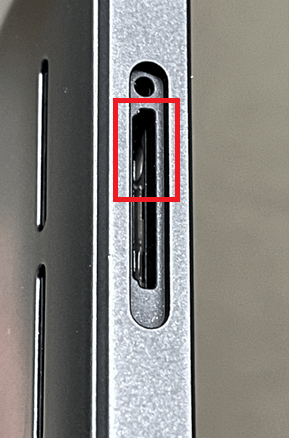
-
Red - the phone has been exposed to a liquid.
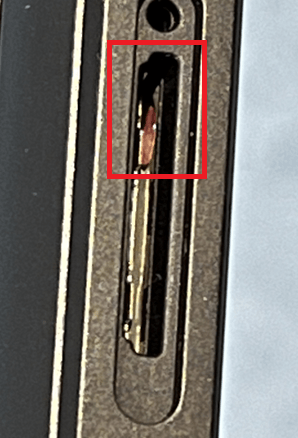
-

