
Issue:
Users have reported screen flickering and image retention issues with their Razer Blade 16" (2023) and Razer Blade 18" (2023) models.
Affected models:
Solution:
Follow the step-by-step process below to apply the update and resolve the issue.
-
Download and install GeForce Game Ready Driver version 531.18 (WHQL).
-
Download the correct Panel Hotfix Updater file after installing the GeForce Driver.
-
Run the Panel Hotfix updater and follow the on-screen instructions.
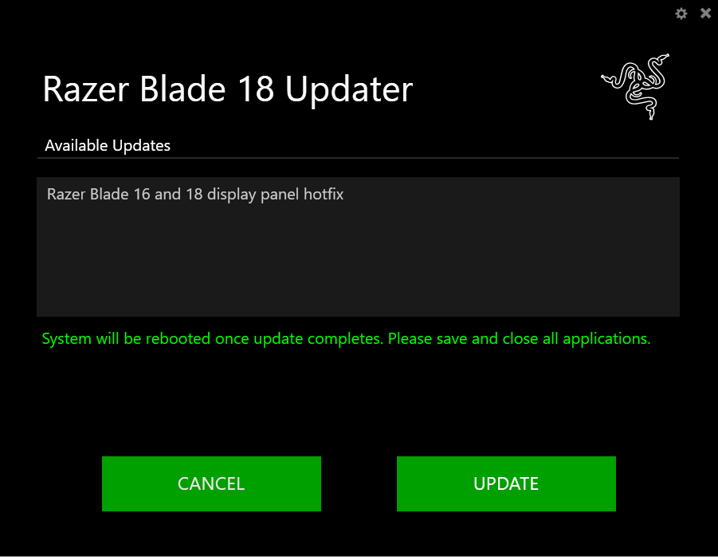
Note: The system must be set to dGPU-only mode to apply the update.
If the system is in Dynamic Display Switch (DDS) mode, the updater will prompt a warning message. To proceed, do the following:
-
Click “CONTINUE”. This will restart the system.

-
Before the system boots into Windows, press the F1/DEL key to enter BIOS.
-
Go to the “Chipset” tab and set the GPU mode to “Dedicated GPU only”.
-
Save your changes and exit.
-
Run the updater again to finalize the update process.
-

