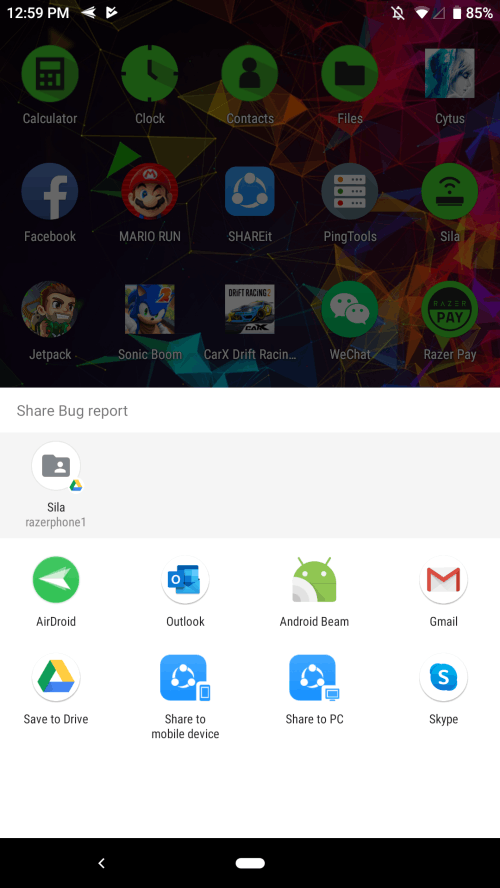
A bug report contains helpful information you need when troubleshooting for any issues you are experiencing with your Razer Phone. Below are the steps on how to collect a bug report.
Note: Before you proceed, ensure the Razer Phone is up to date.
-
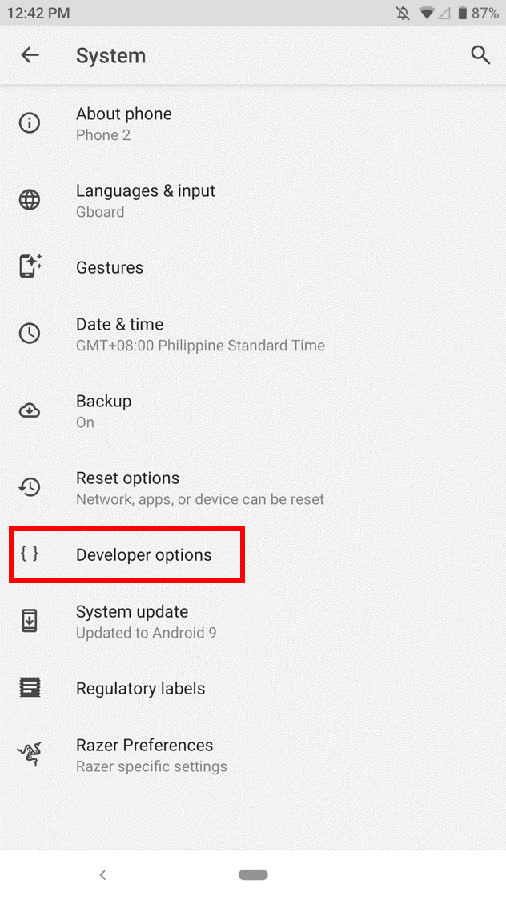
Go to Settings> Systems > Advanced > Developer options.
Note: If the Developer options is not enabled, refer to How to enable Developer Options on the Razer Phone.
-
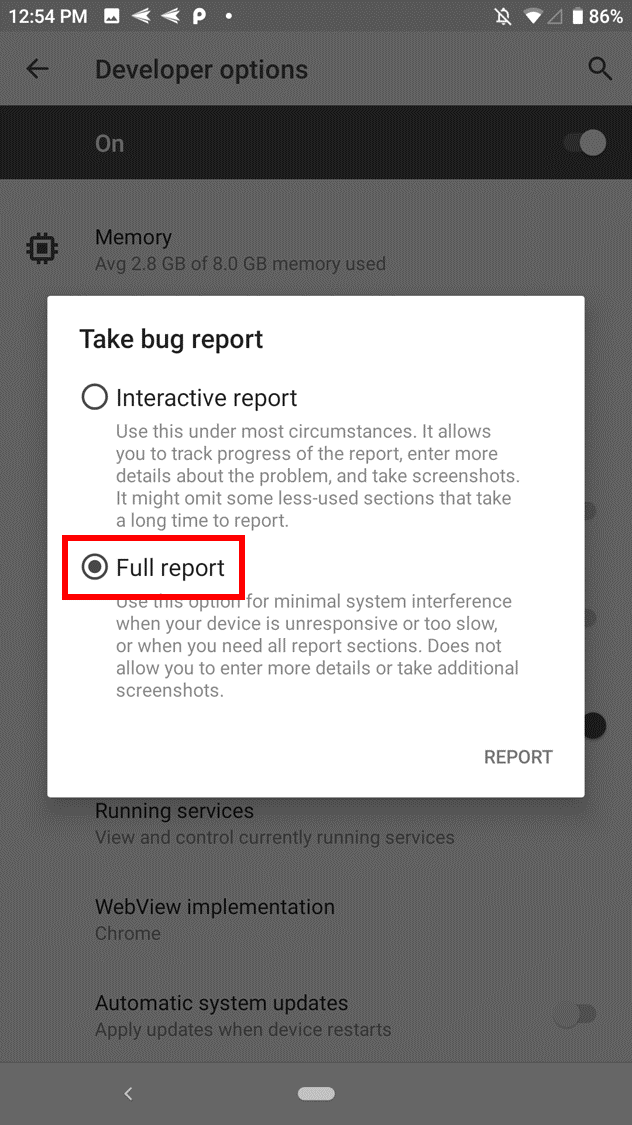
Tap "Take bug report".

-
Select "Full report".
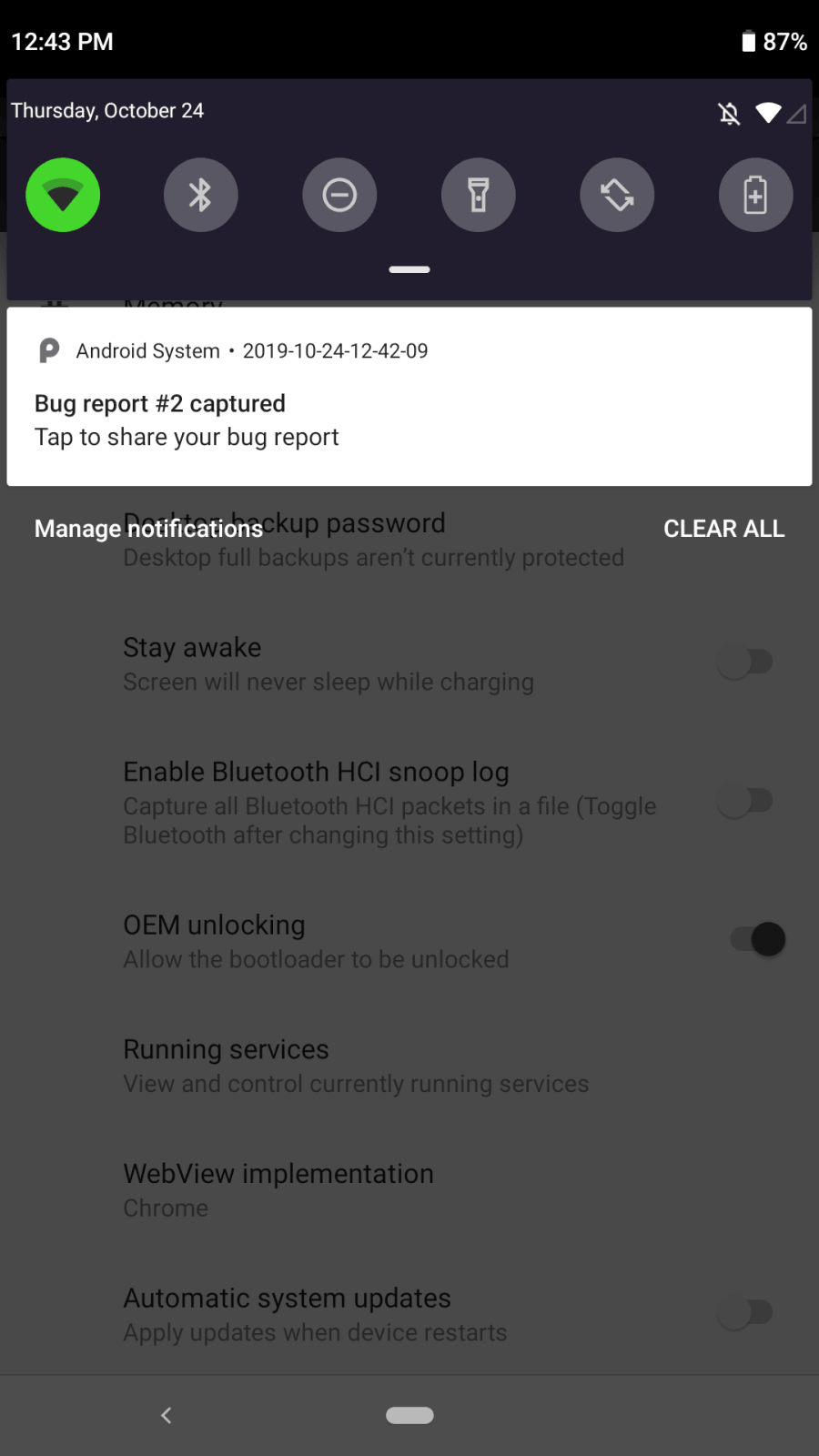
Note: There will be a notification once the report is finished generating.
-
Tap it to email the report.