
Depending on the model of your Razer Blade, you can connect up to three external monitors using the following:
- HDMI
- USB-C
Note: Results can also vary depending on the resources needed by the external displays.
Follow the steps below to connect external monitors to your Razer Blade.
-
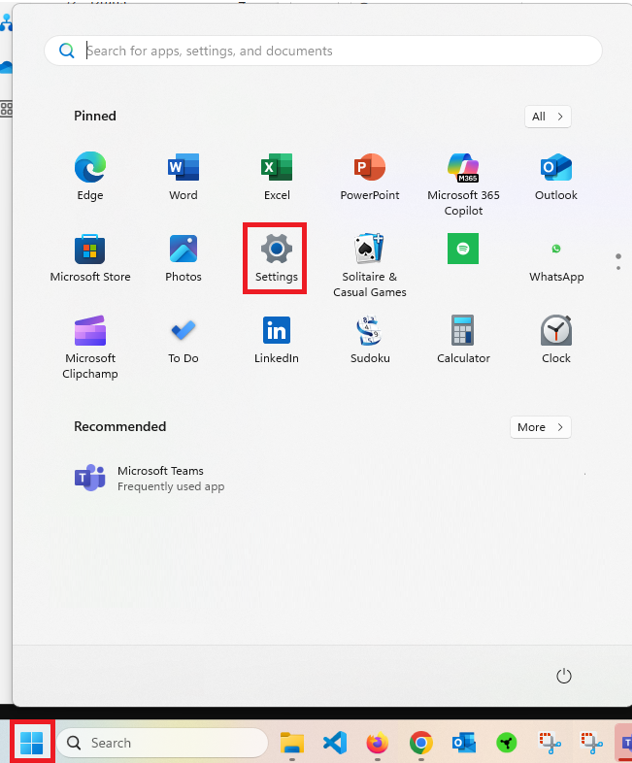
Click the Windows button, then click “Settings”.
-
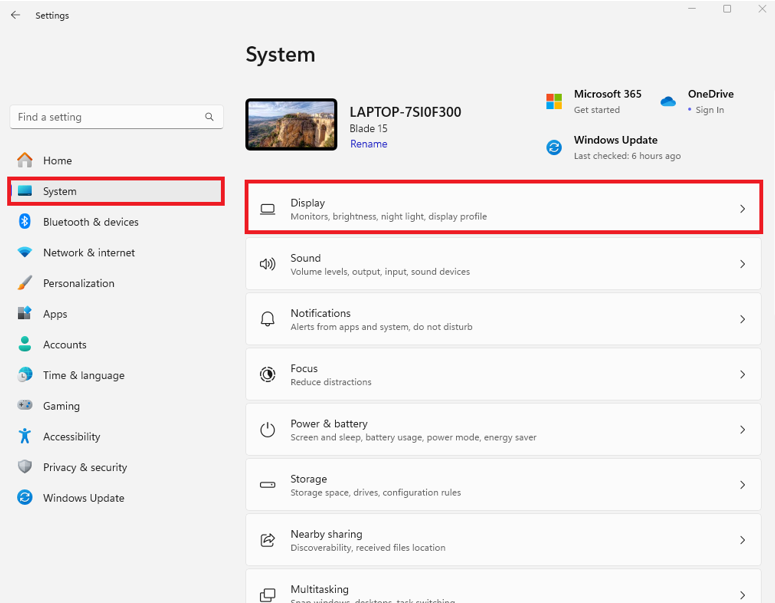
Click “System” > “Display”.
-
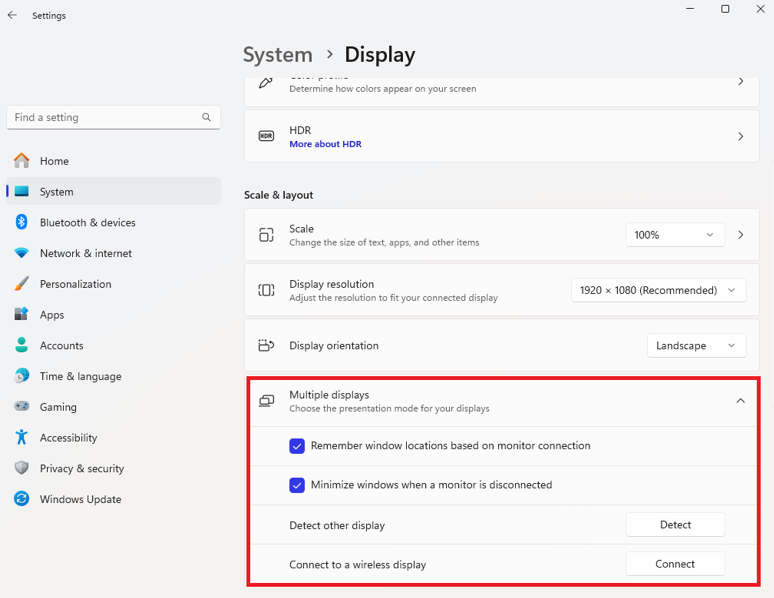
Select your preferred option under “Multiple displays”.
-
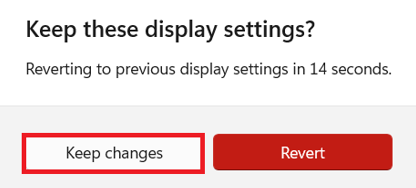
Select “Keep changes” when prompted.
If you encounter a few issues or difficulties when connecting multiple monitors on your Razer Blade, see the answer below for more details.

