Effective February 3, 2026, Razer Synapse 3 will no longer receive updates or support cloud services. After this date, cloud syncing of configurations across PCs using the same Razer ID will be disabled.
Note: Your installed devices will continue to be configurable in Razer Synapse 3. However, if you uninstall these devices completely, you will need to upgrade to Razer Synapse 4 to continue customization.
Download Razer Synapse 4 and migrate your existing Razer Synapse 3 profiles using the Profile Migration Tool to retain access to your configurations. See How to migrate your Razer Synapse 3 Profile to Razer Synapse 4 for instructions.
Below are the steps to detect a supported device in Chroma Connect.
-
Connect a supported third-party device.
Note: Ensure your device is a Razer Chroma Partner supported device.
-
Launch Razer Synapse 3.
-
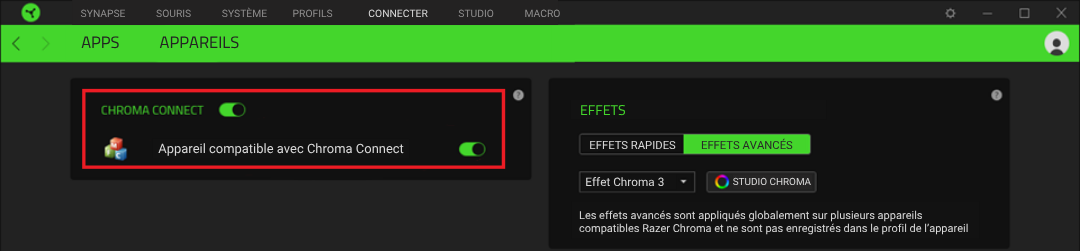
Go to "CONNECT" > "DEVICES".

-
The supported device will be displayed on the left side.
To enable customization via Razer Synapse 3, toggle on "CHROMA CONNECT" and the supported device.