
Effective February 3, 2026, Razer Synapse 3 will no longer receive updates or support cloud services. After this date, cloud syncing of configurations across PCs using the same Razer ID will be disabled.
Note: Your installed devices will continue to be configurable in Razer Synapse 3. However, if you uninstall these devices completely, you will need to upgrade to Razer Synapse 4 to continue customization.
Download Razer Synapse 4 and migrate your existing Razer Synapse 3 profiles using the Profile Migration Tool to retain access to your configurations. See How to migrate your Razer Synapse 3 Profile to Razer Synapse 4 for instructions.
Razer Synapse is our unified configuration software that allows you to rebind controls or assign macros to any of your Razer peripherals and saves all your settings automatically to the cloud. It lets you register your product easily and get real-time information on your product's warranty status. Below are the steps on how to create a Razer Synapse account.
-
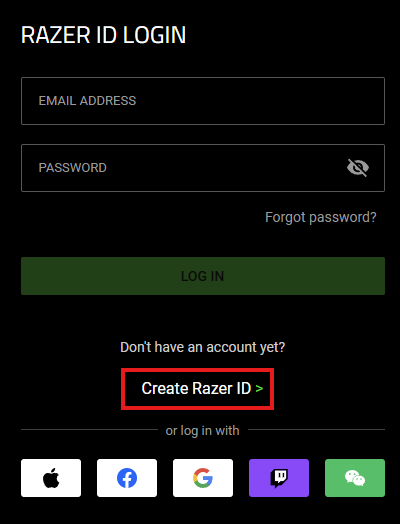
Go to the Razer ID page and click “Create Razer ID”.
-
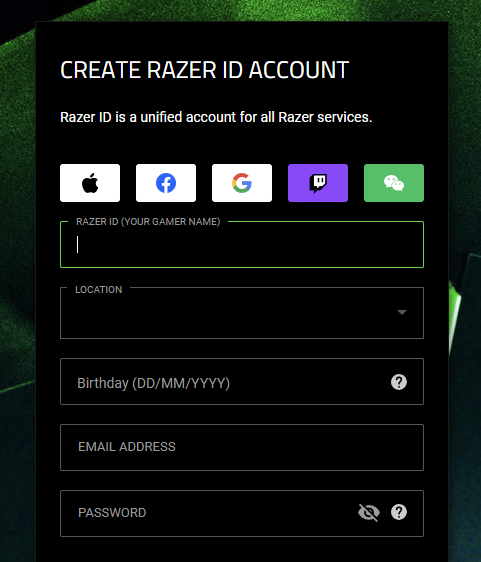
Input your preferred Razer ID or your gamer name and other details:
- Location
- Birthday
- Email address
- Password
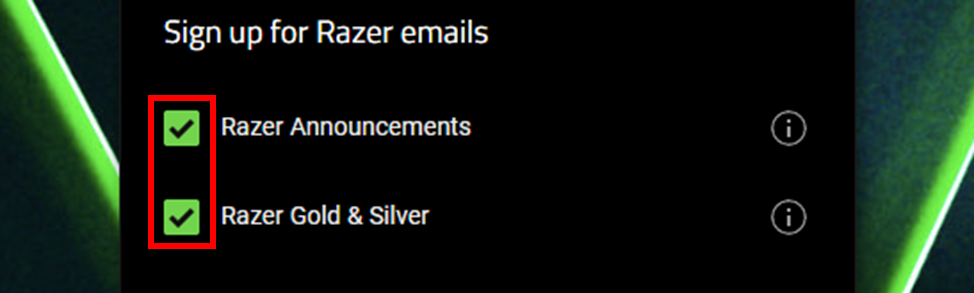
You will be given the option to sign up for Razer emails by clicking the corresponding checkboxes.
-
Click "ACCEPT AND CREATE" after reading the terms and conditions, and fulfilling the captcha.

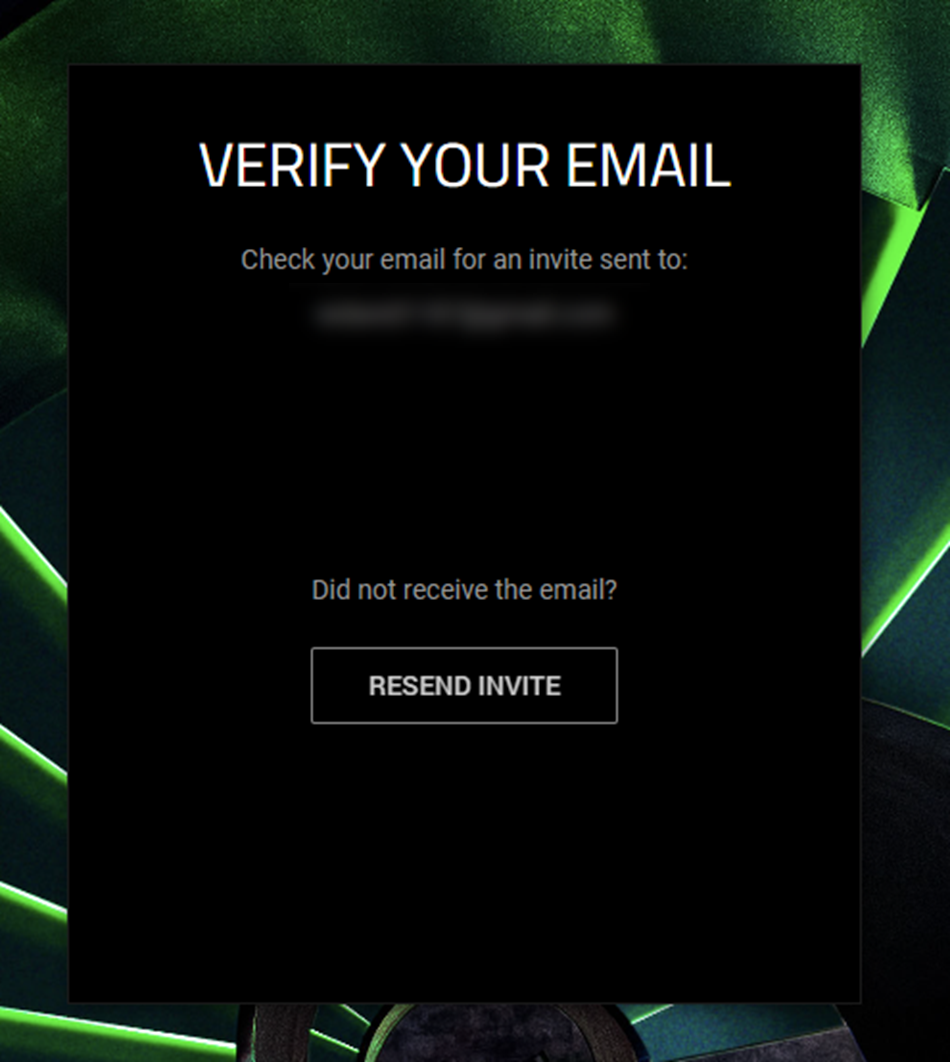
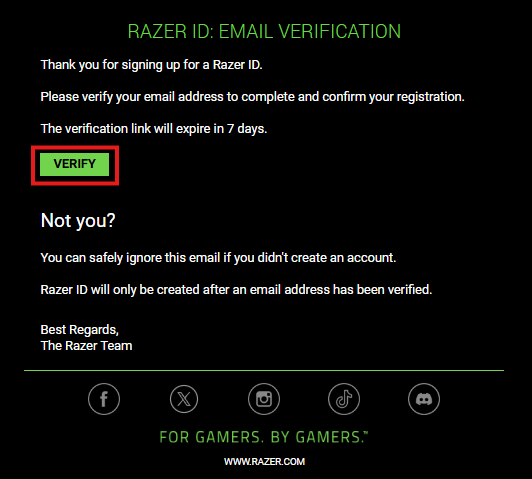
A verification email will be sent to the email address you specified.
-
Log in to your email account and verify your Razer ID by clicking “VERIFY”.
You can now use your email and password to log in to Razer Synapse.

