
Effective February 3, 2026, Razer Synapse 3 will no longer receive updates or support cloud services. After this date, cloud syncing of configurations across PCs using the same Razer ID will be disabled.
Note: Your installed devices will continue to be configurable in Razer Synapse 3. However, if you uninstall these devices completely, you will need to upgrade to Razer Synapse 4 to continue customization.
Download Razer Synapse 4 and migrate your existing Razer Synapse 3 profiles using the Profile Migration Tool to retain access to your configurations. See How to migrate your Razer Synapse 3 Profile to Razer Synapse 4 for instructions.
When a Razer keyboard is set with the Ambient Awareness Lighting effect, they will appear to be different from the display screen region.
The Ambient Awareness effect works by creating a bounding rectangle that covers all selected devices. It projects the screen over the bounding rectangle. The size of the bounding could change if the devices are moved around. The lighting on each device depends on the position of the device with respect to the bounding rectangle.
Below is an example of how the effect appears on your device.
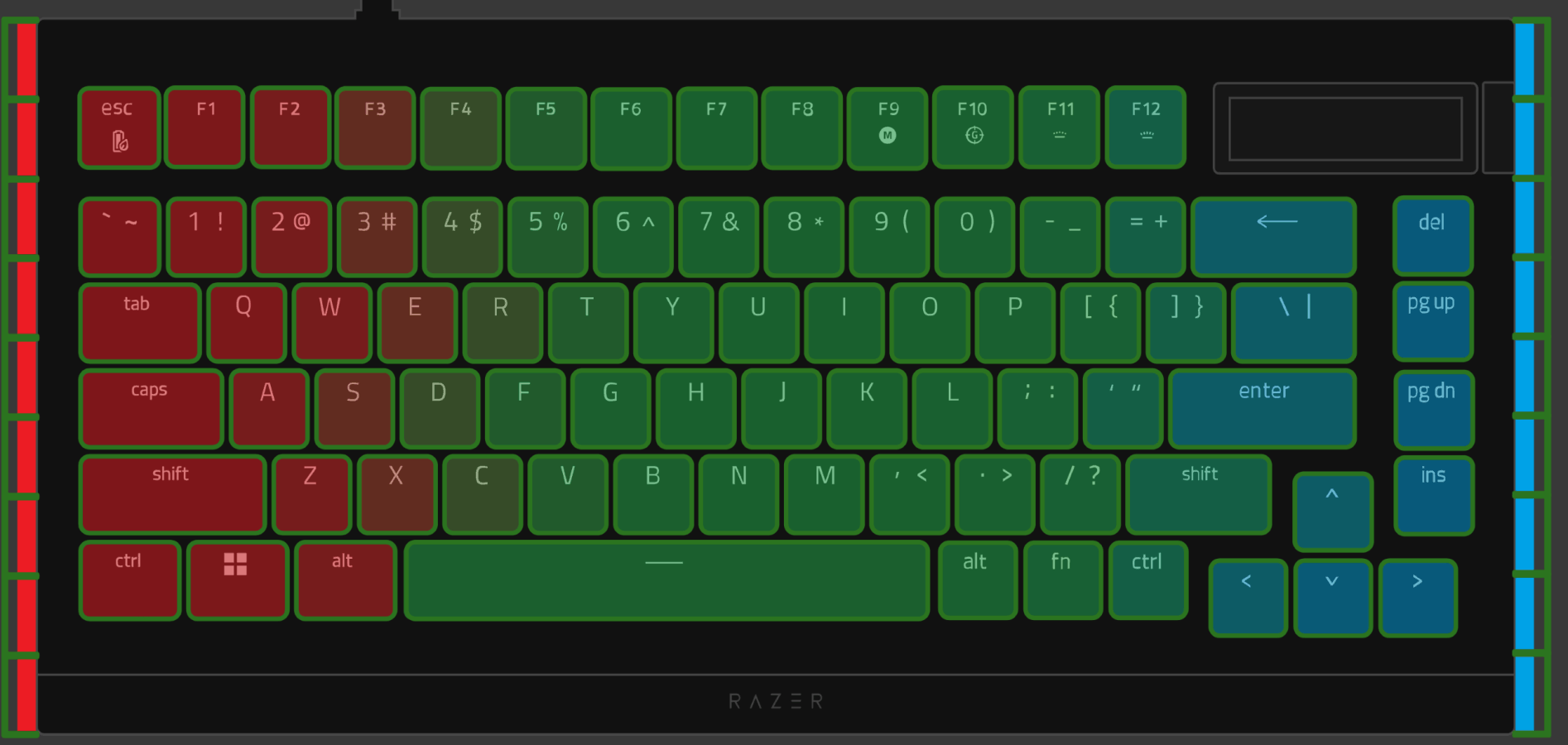
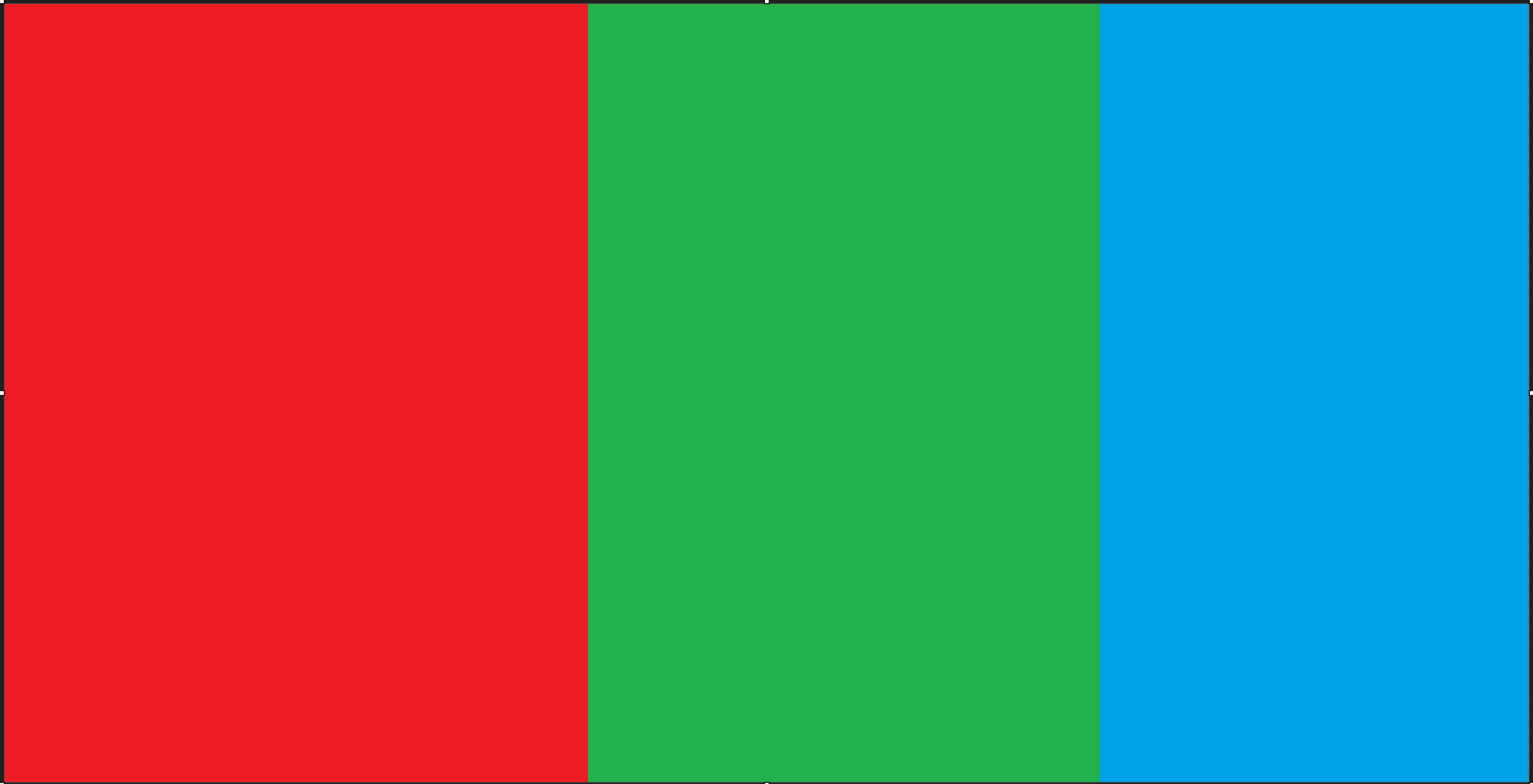
Region: Entire Screen (Preset)
Related links:

