
Follow these steps to turn on the vibrate feature on the Razer Phone.
-
Go to "Settings" on the Razer Phone.
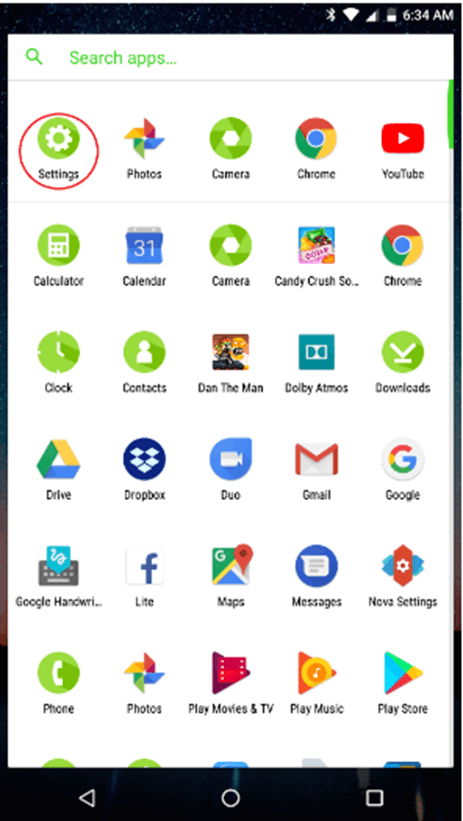
-
Select "Sound".

-
Select "Also vibrate for calls".

-
Test the phone and see if it vibrates.
-
If the issue persists do a hard reset to restart the phone and clear any possible glitches and errors.
-
If the issue persists, backup your phone data and perform a factory data reset.

